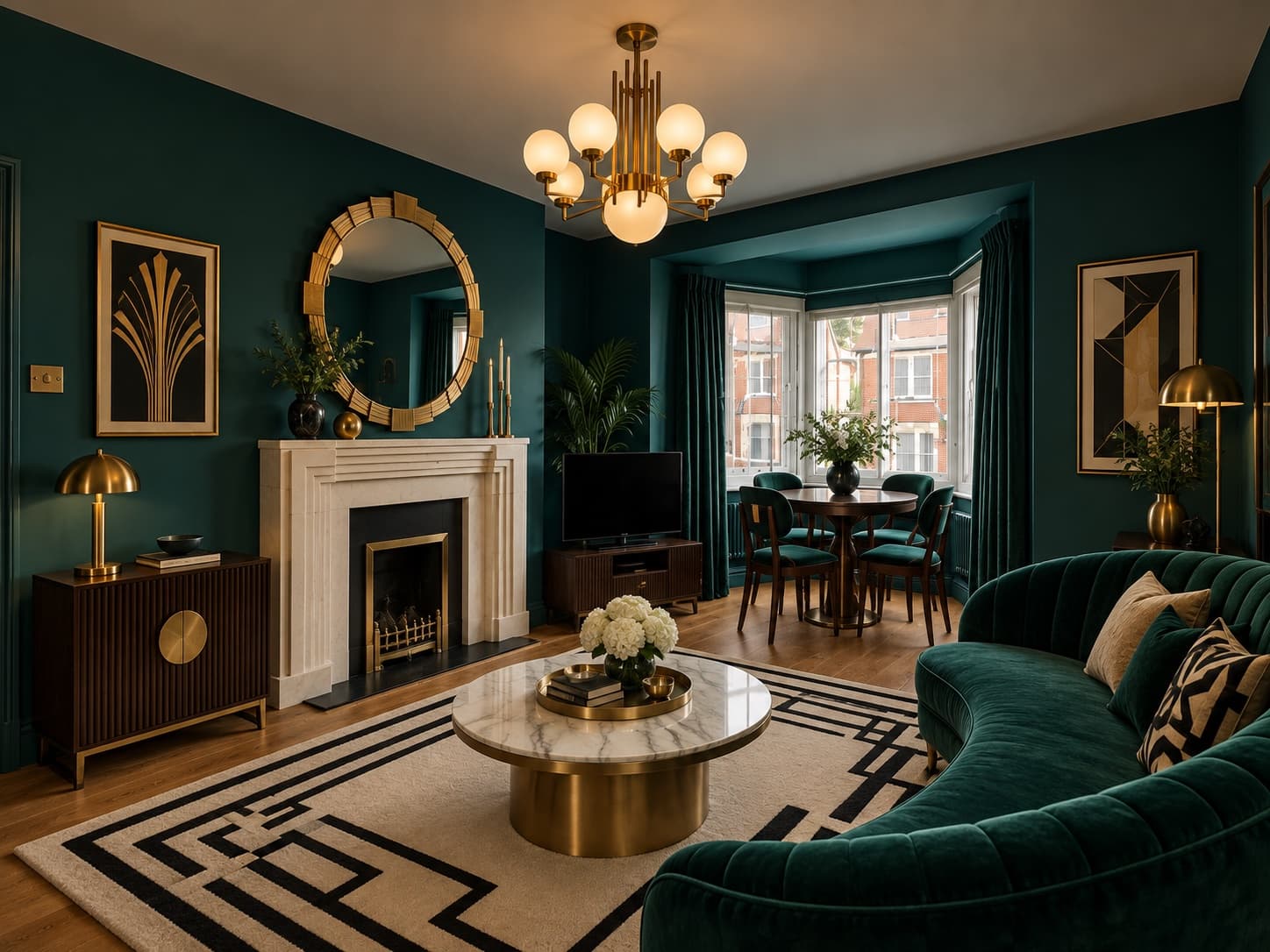
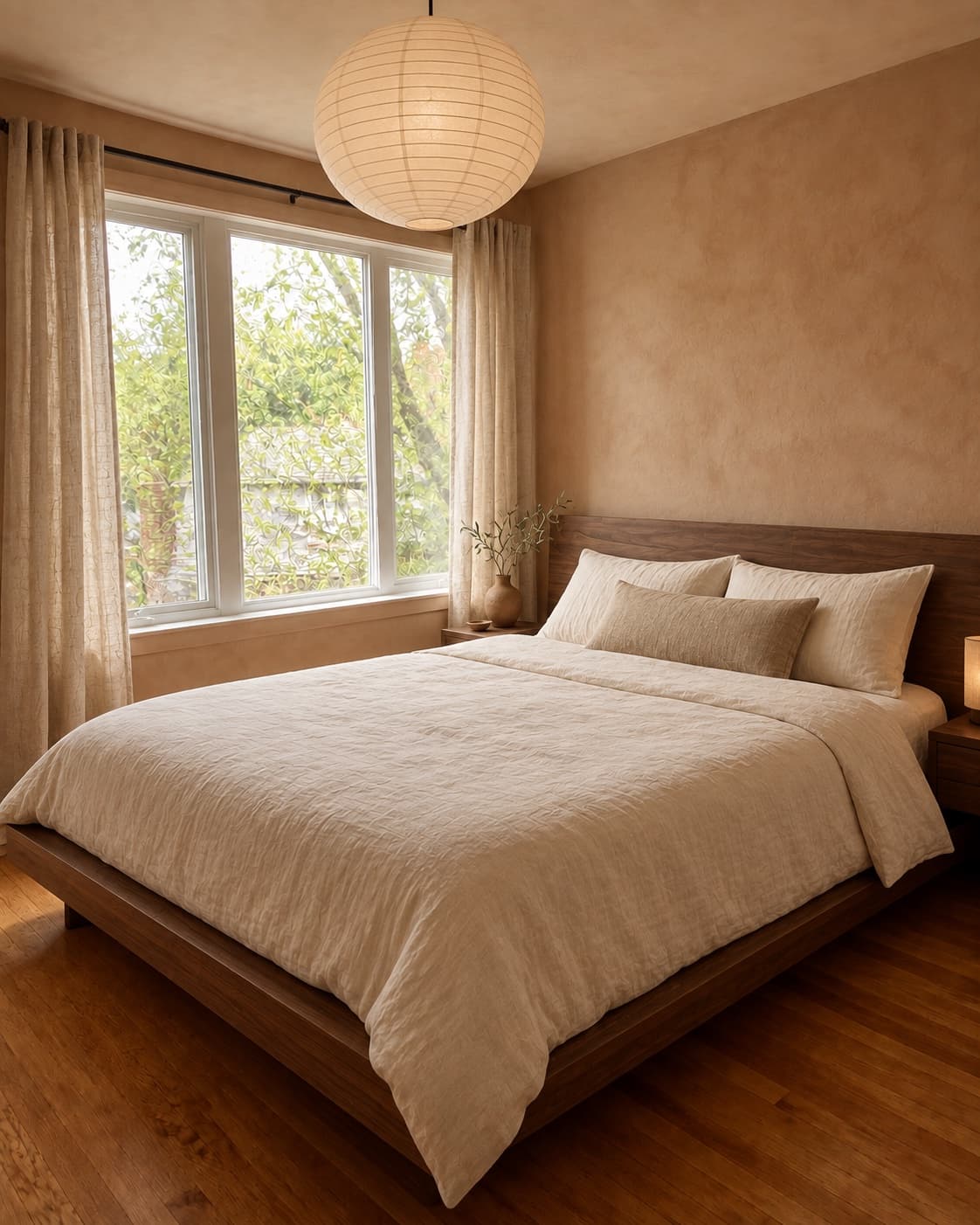
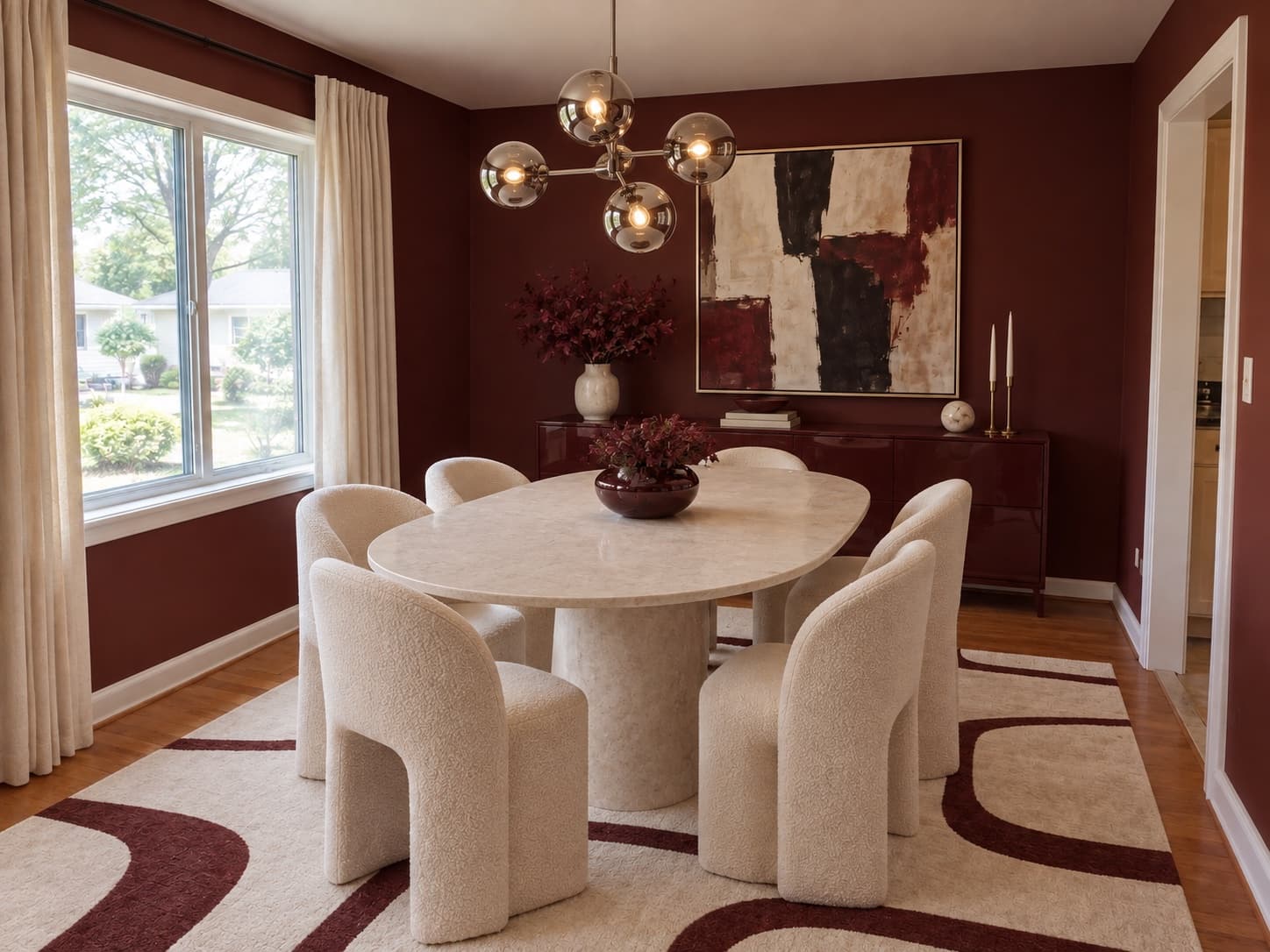
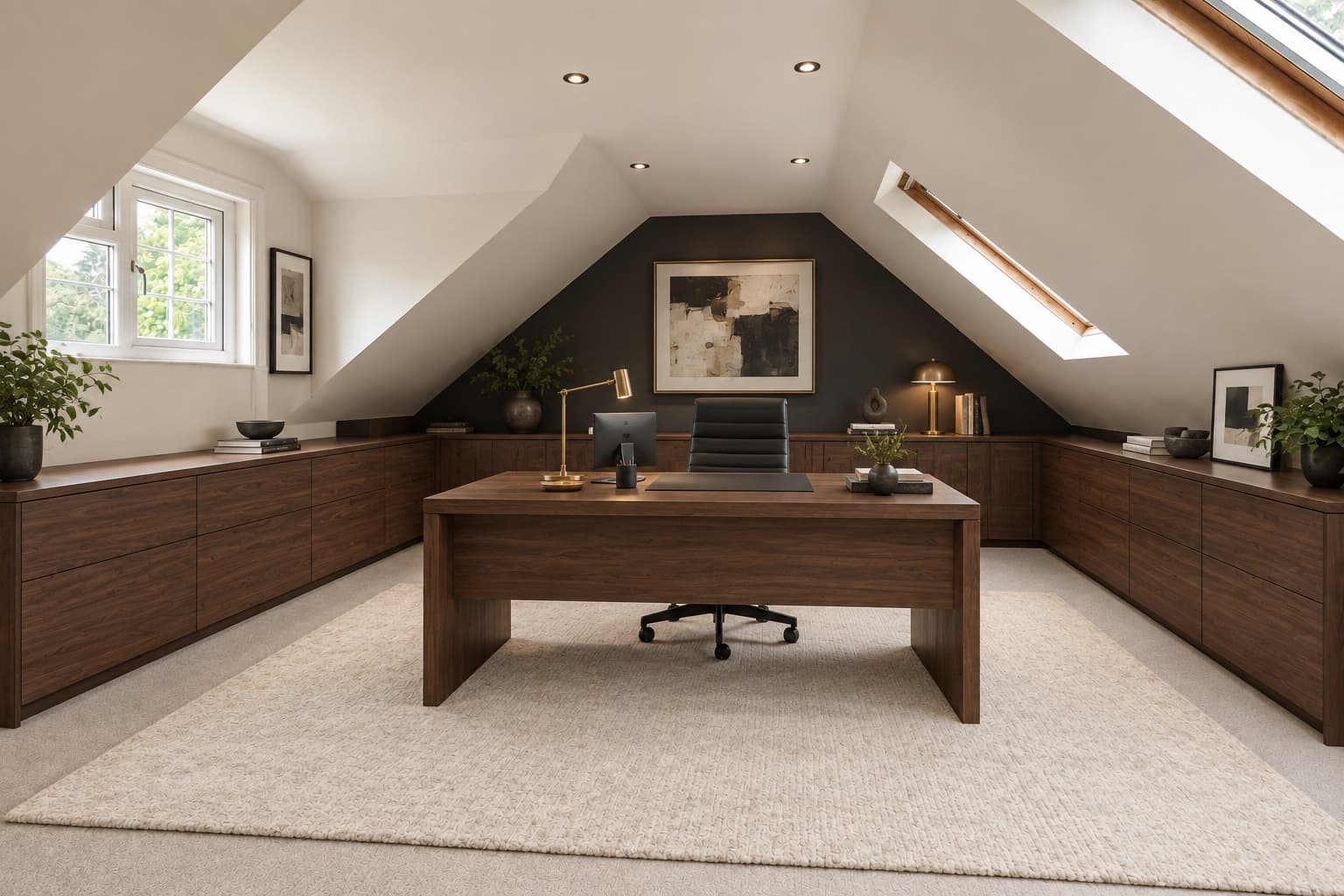
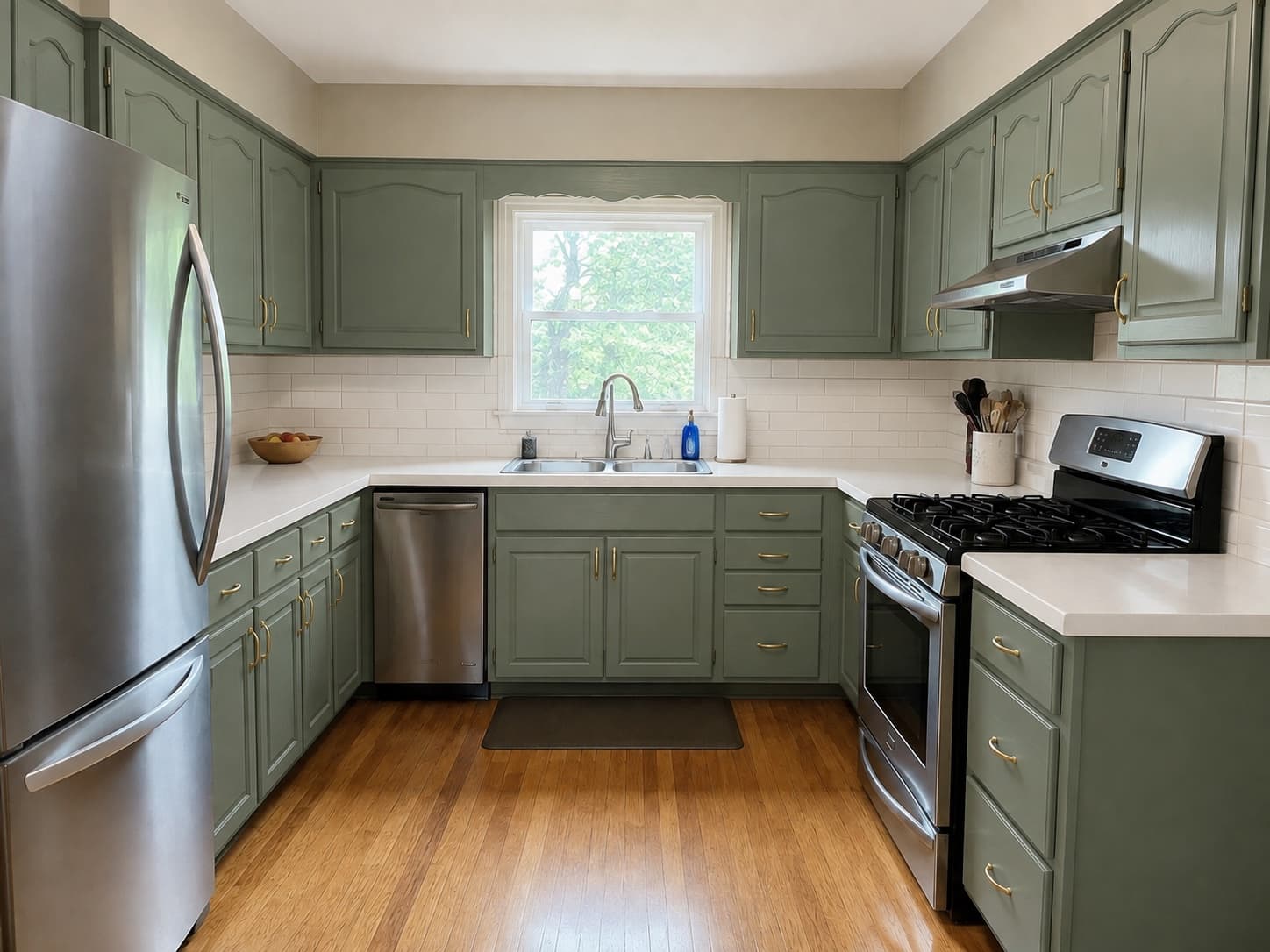
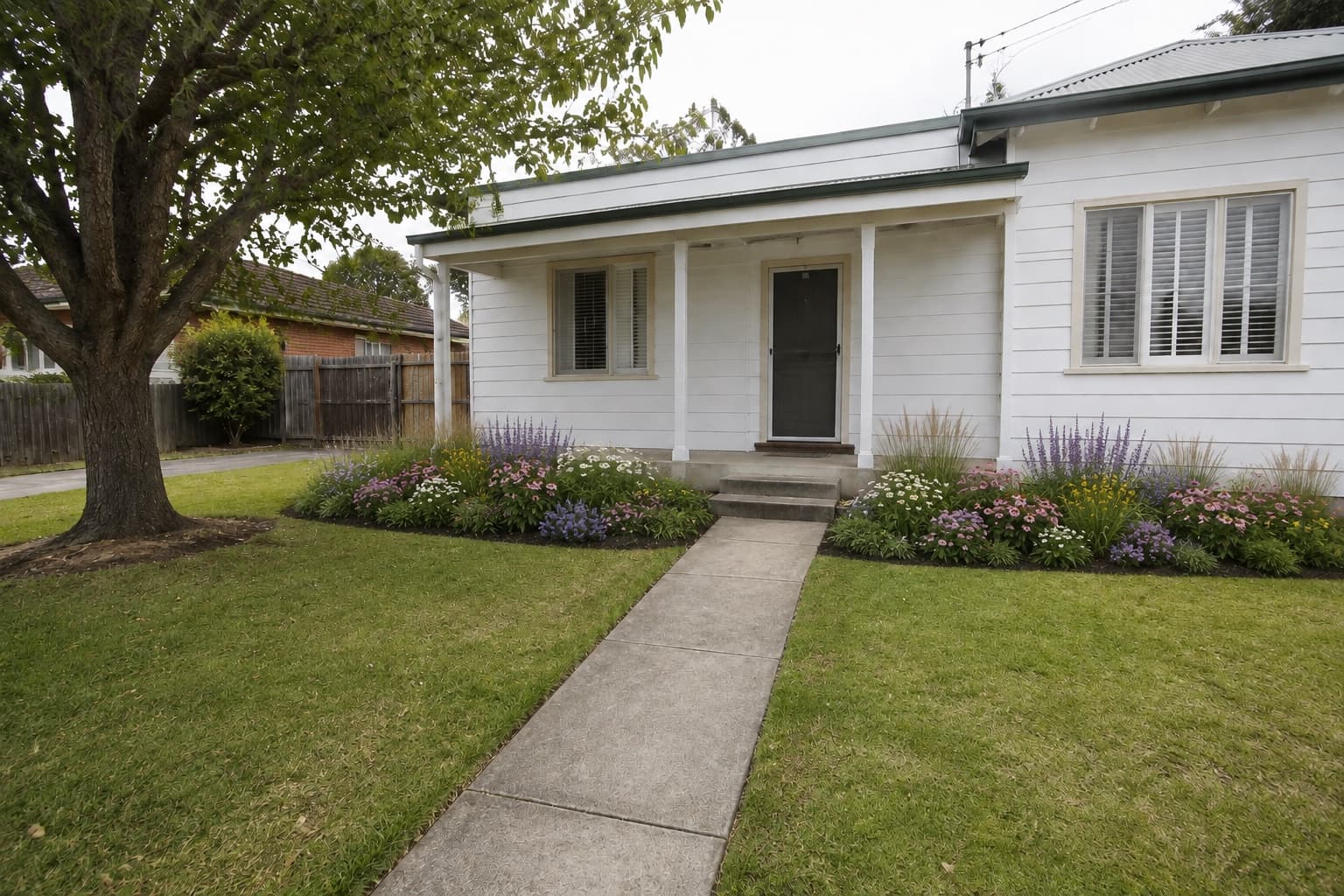
Before
 After
AfterBefore you make it permanent
For paint, stone, cabinetry, and other decisions that are expensive to undo. Let AI Room Makeover preview the direction in your own space before you commit.
Try this makeover in your room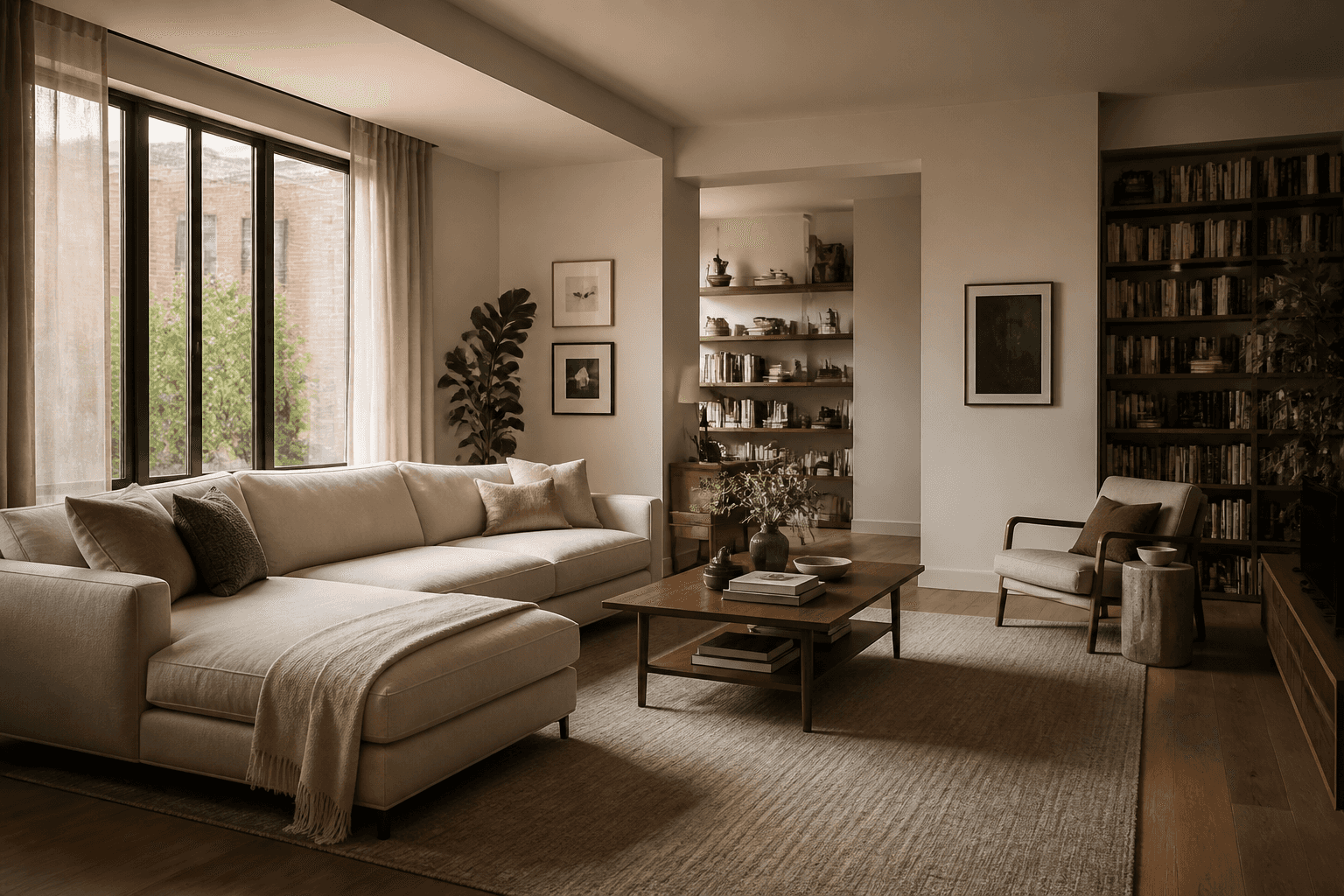
Upload a photo and describe the makeover you want, whether it's one small change or a whole new look.
BeforeAfterHow it works
AI room design starts with your real room. Add any references you have, then describe the one change you want to see.

Use a clear photo of the space or area you want to redesign.
Add up to nine product or material images if helpful, then say exactly what you want the makeover to change.
Add a walnut bookshelf and a brass reading lamp beside the chair.
See the redesign with the rest kept as close to the original as possible. Adjust your inputs and generate the makeover again if needed.
Makeover examples
Browse AI room makeover examples for furniture choices, finishes, renter-friendly updates, and rooms that just need a new direction.
Still deciding what to change? Explore broader ideas with our AI room design tool.
BeforeAfterFor paint, stone, cabinetry, and other decisions that are expensive to undo. Let AI Room Makeover preview the direction in your own space before you commit.
Try this makeover in your room Before
 After
AfterFor furniture and fixtures you have only seen on a product page. Put the choice into your design before you place the order.
Try this makeover in your room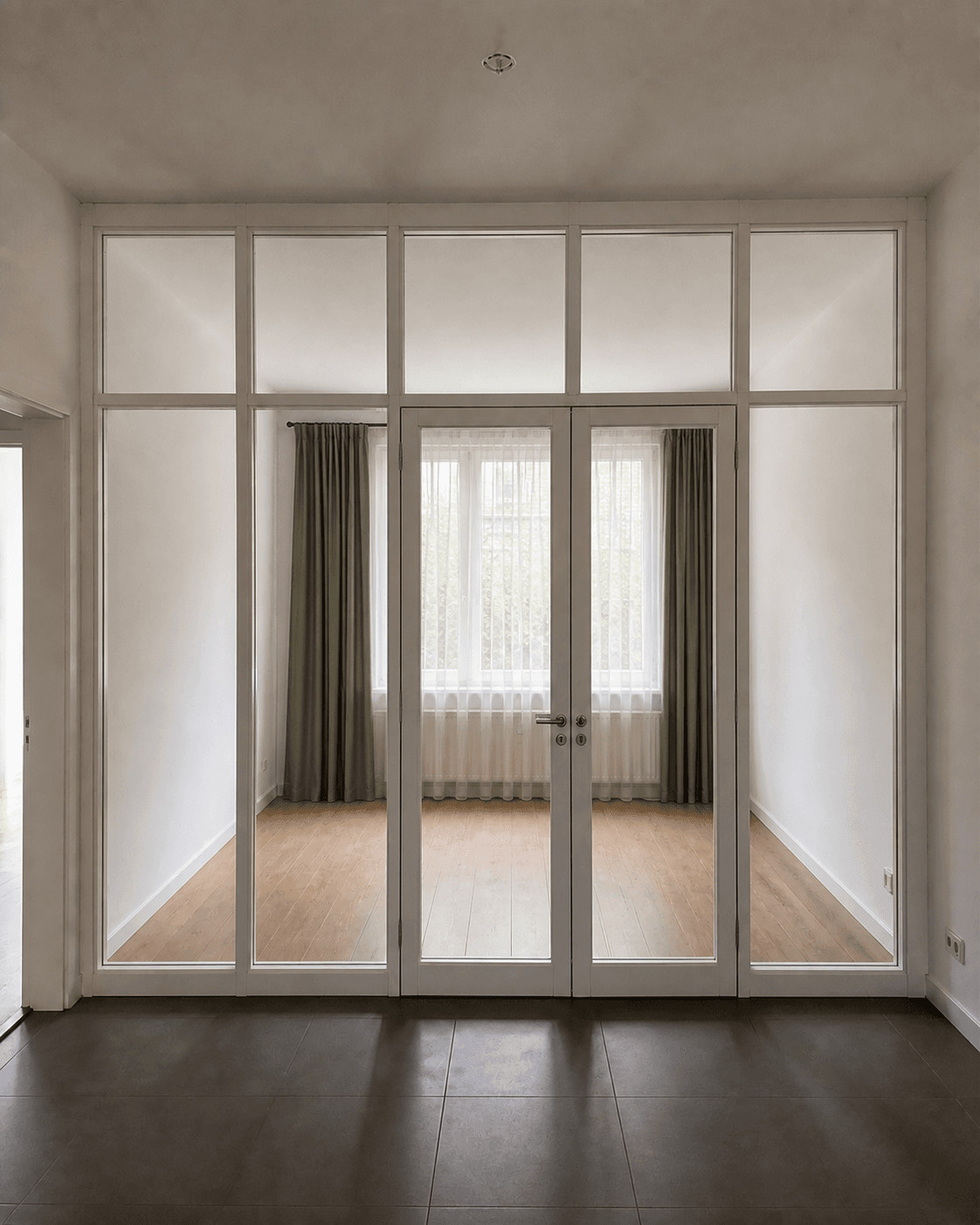
 BeforeAfter
For spaces that are mostly right already. Change the one surface or object bothering you without redesigning everything else.
Try this makeover in your room Before
 After
AfterGive this bedroom a subtle One Piece-inspired makeover. Keep the bed and room layout.
For a new bedroom that still feels temporary. Add a personal design theme through reversible colors and details while keeping the room itself intact.
Try this makeover in your room Before
 After
AfterMake this bedroom feel more cohesive.
For rooms where every piece seems fine on its own, but the whole still feels unsettled. Start with the feeling and preview a more cohesive makeover direction without naming the style yourself.
 Before
 After
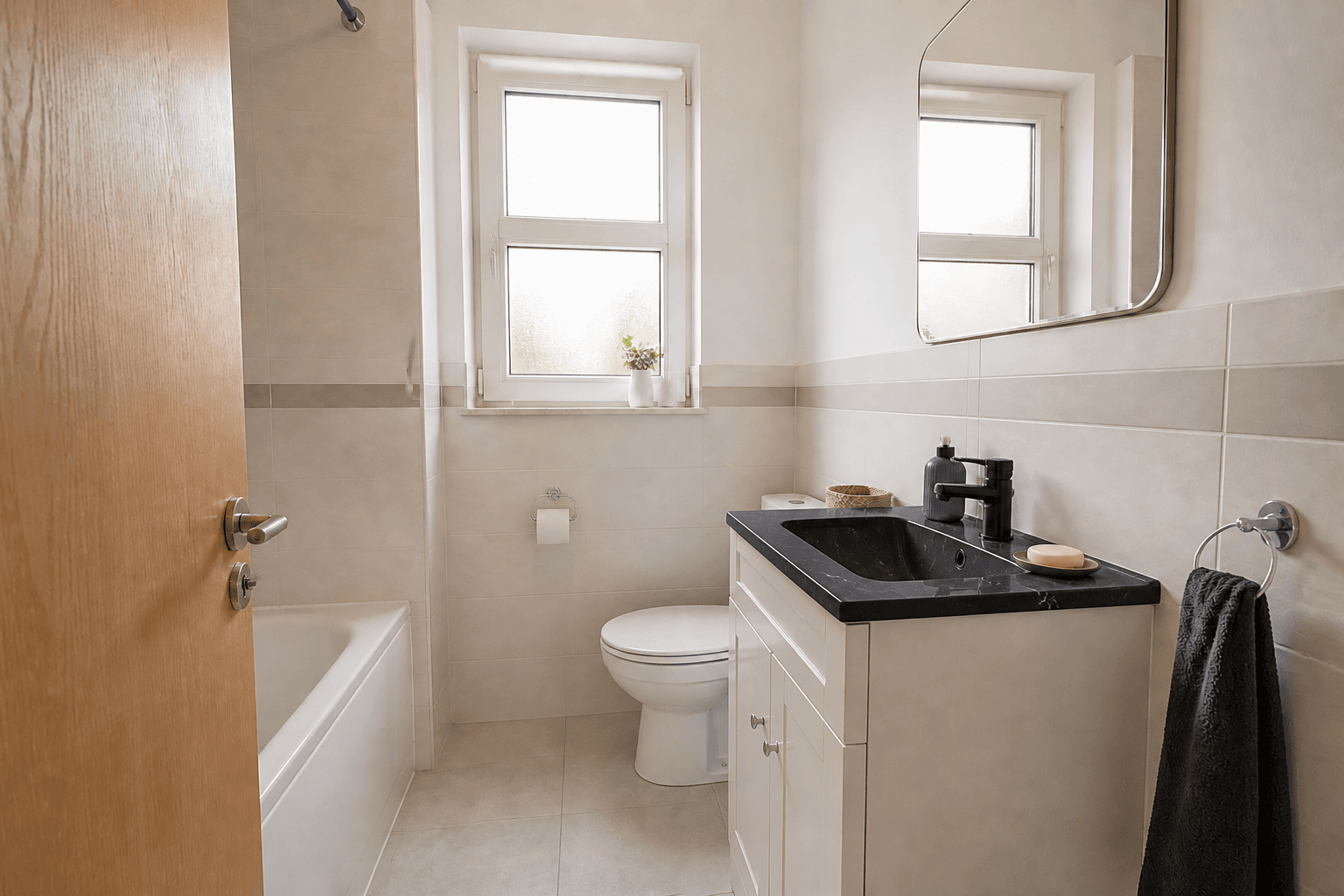
AfterReplace the vanity top with black marble and keep the faucet.
 Before
 After
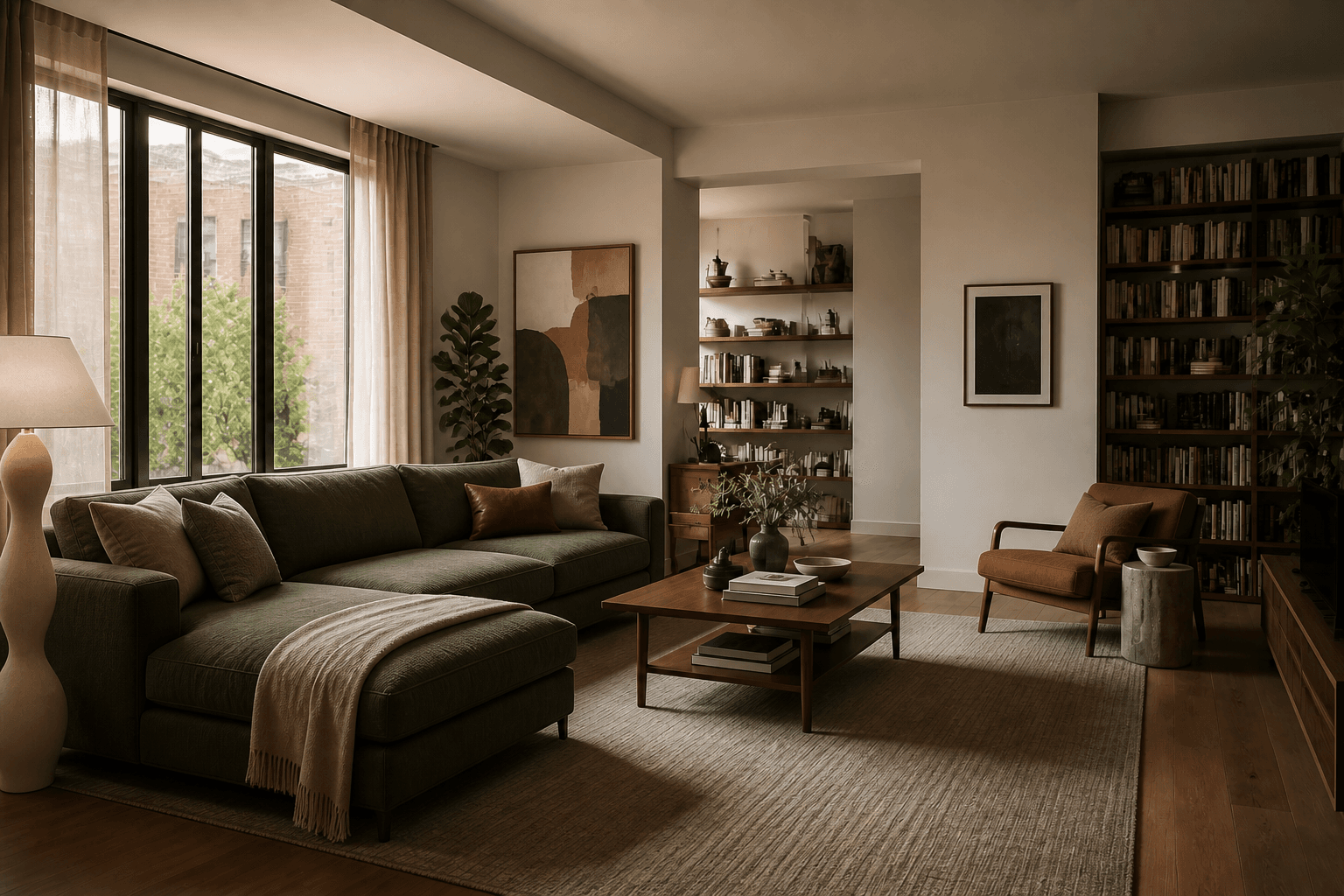
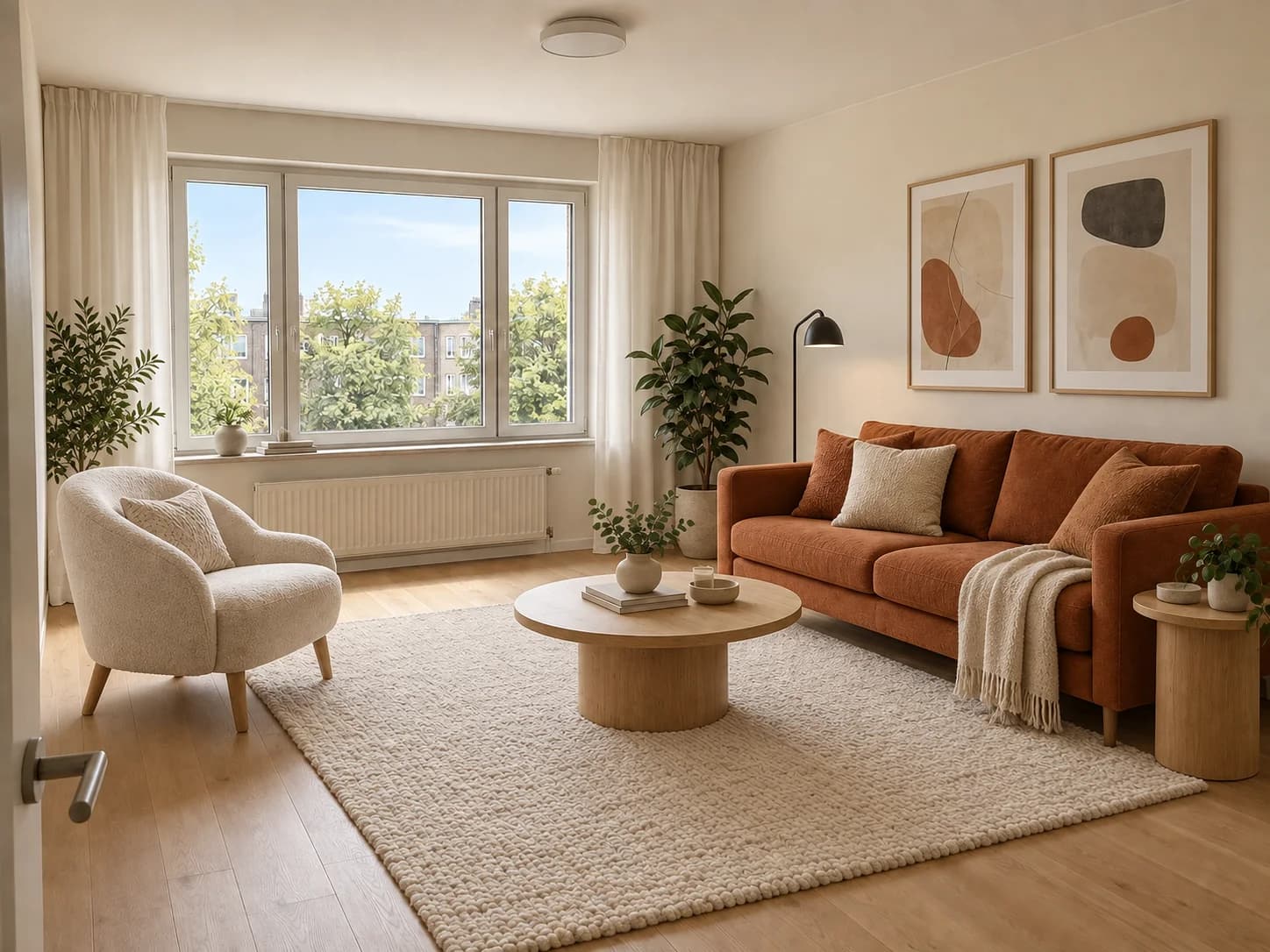
AfterReplace the existing sofa with an olive sofa.
 BeforeAfter
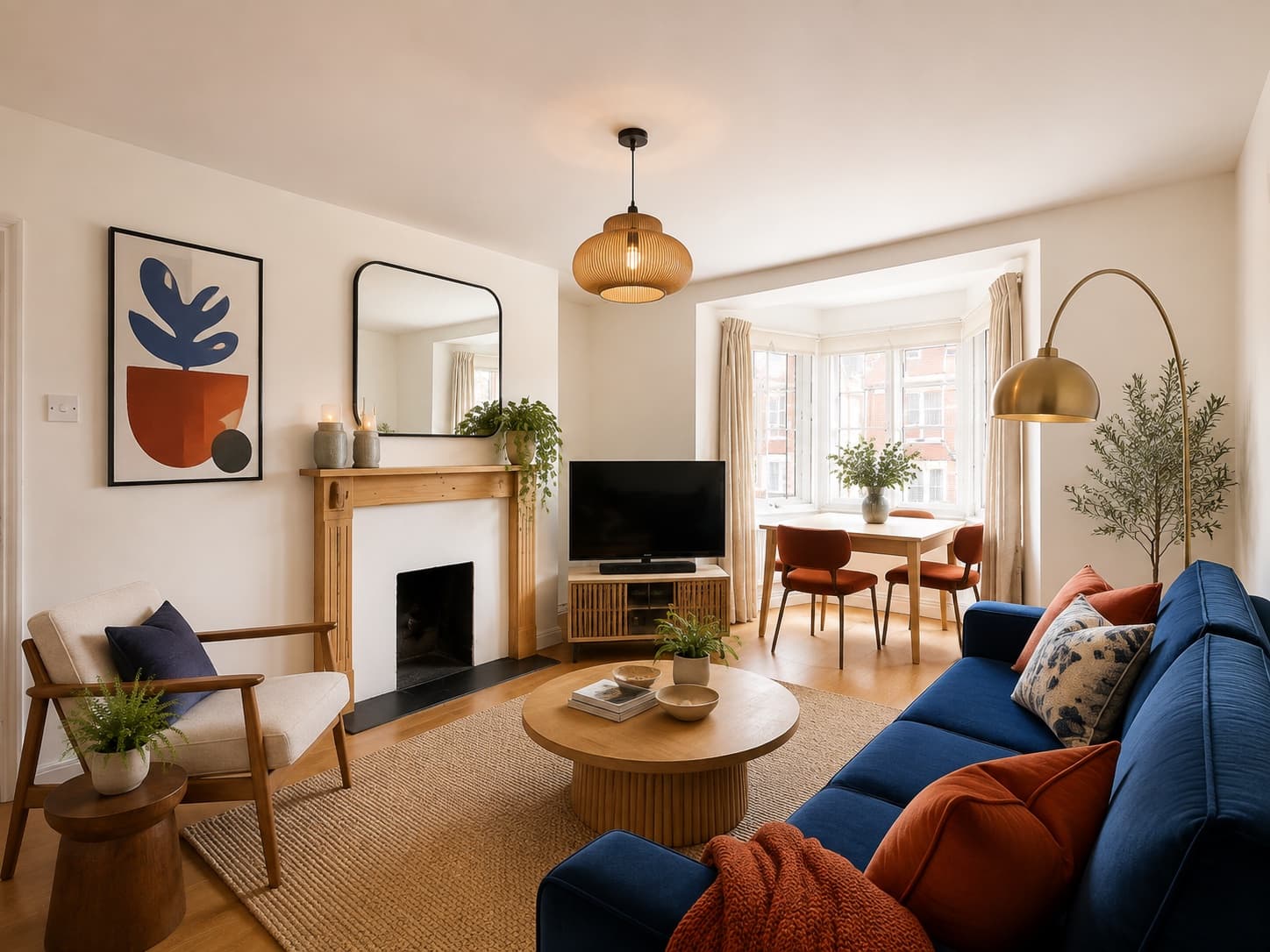
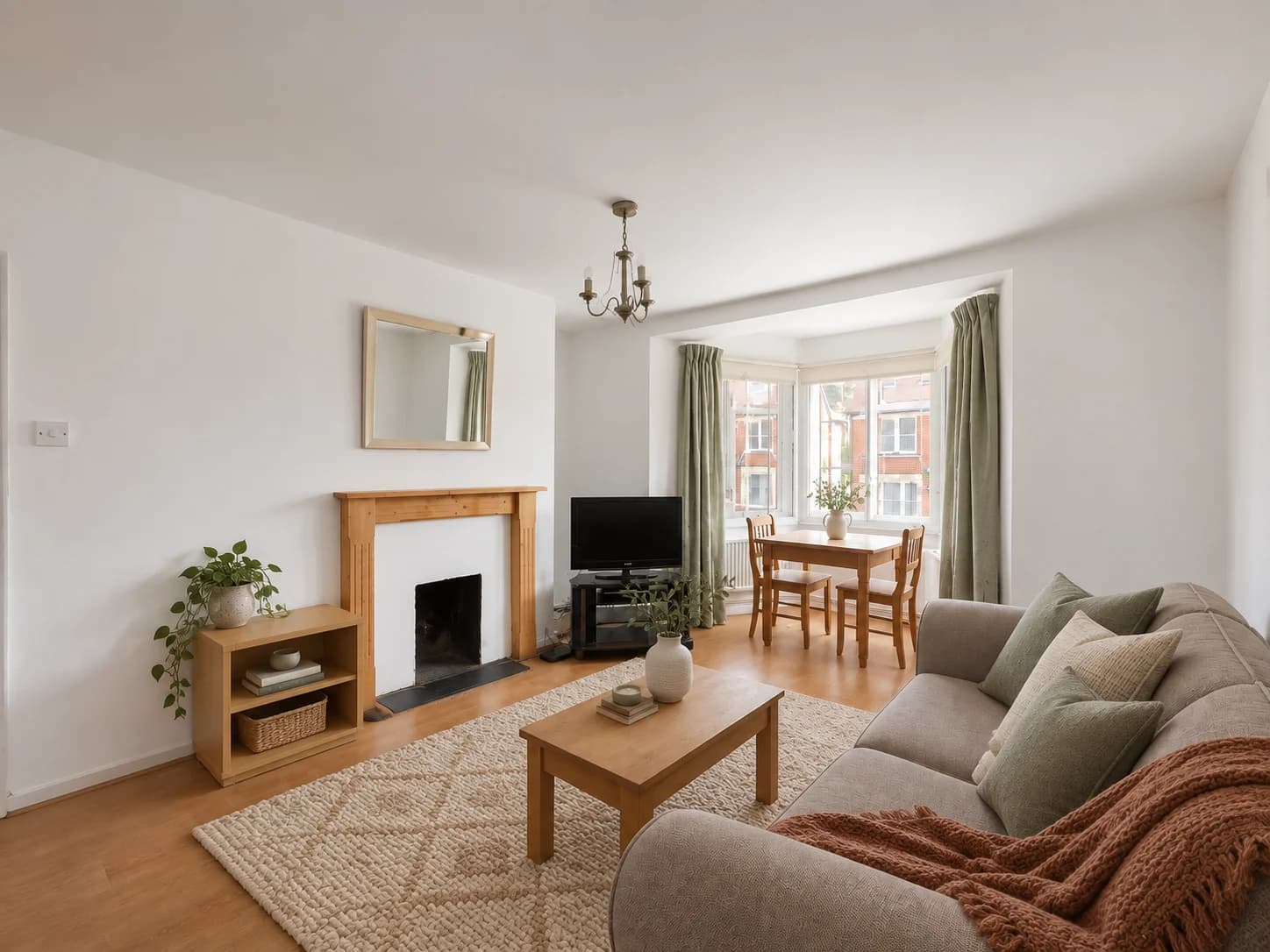
Moving in with an empty room and no clear plan? Use AI-powered room design to explore a complete look before buying furniture. Start with a photo of any room in your home and try the styles, colors and furnishings you have in mind.
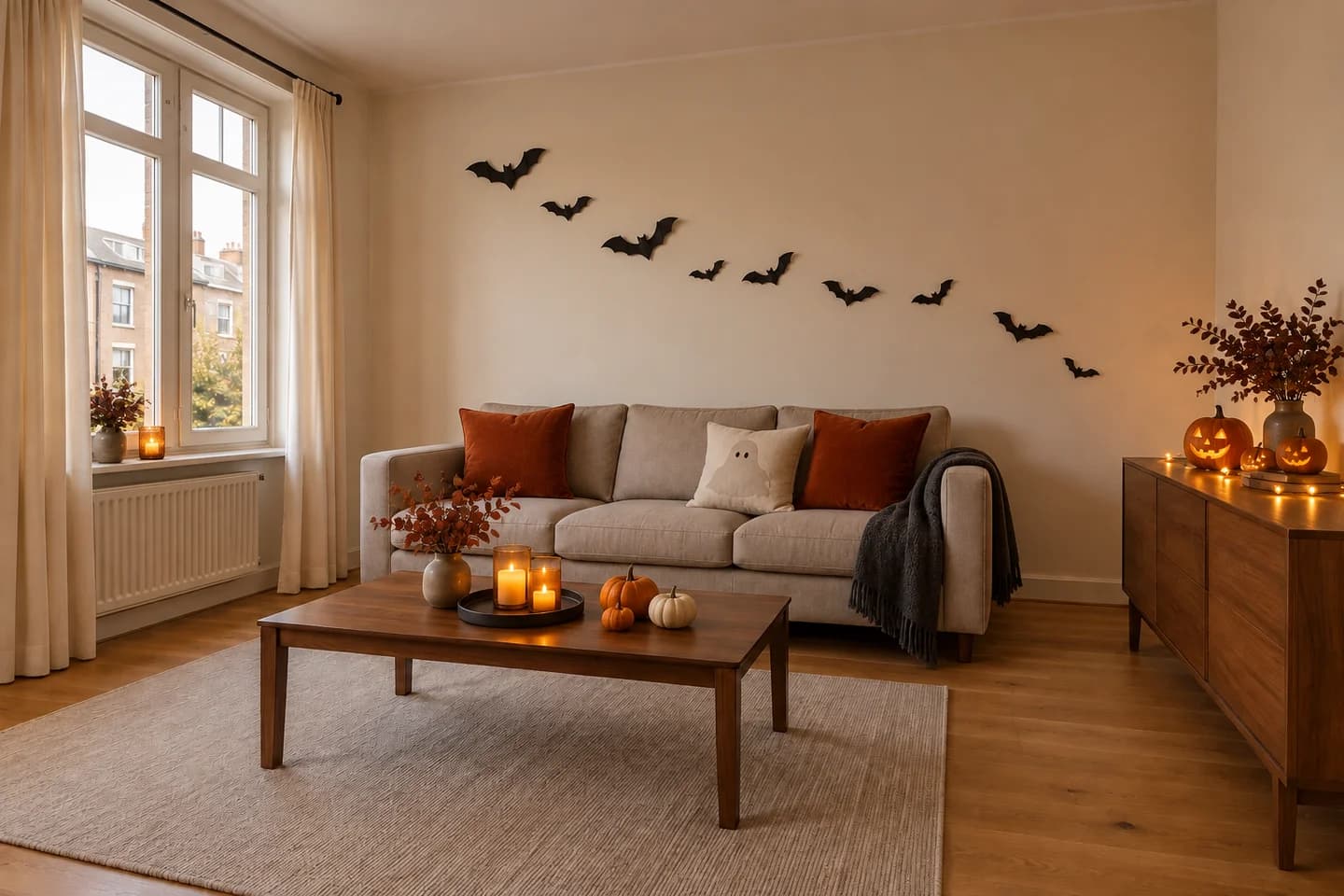
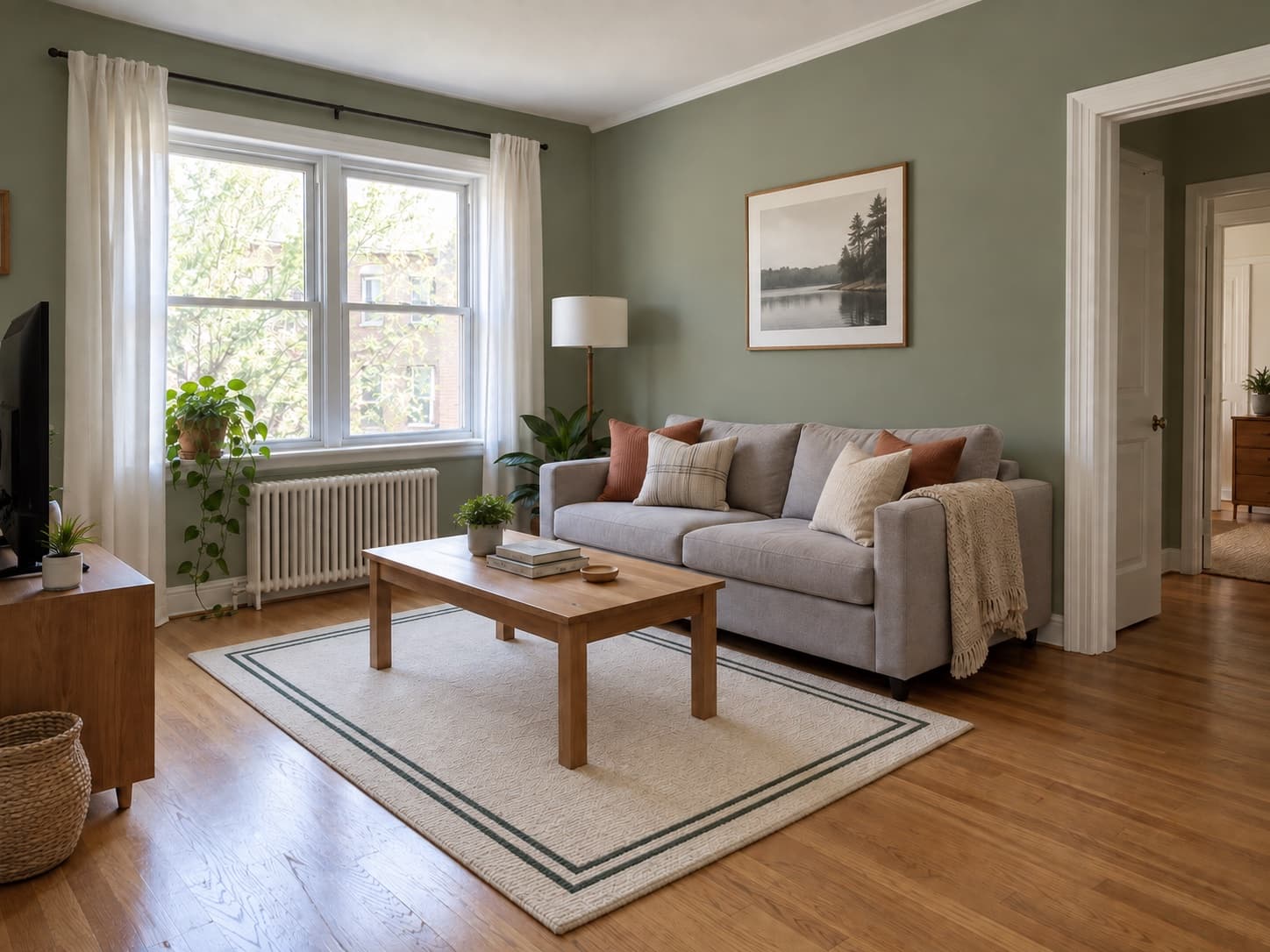
Explore AI Room DesignA makeover can begin with what you already own. Use your room photo to explore a clearer style, rethink where things go, or see how a few changes could bring the space closer to the makeover you have in mind.
“i just want help with what to place where. I don’t want to paint the walls or purchase anymore furniture.”
“I badly need your help, I want to deisgn my room into having a feminine and minimalist style.”
What you can try
Add something new, try a different finish, or replace what's already there in your design.
When it helps
Inspiration is easy to find. Context is harder. AI room design helps when the question is whether a specific change works here.
Ideas & guidance
Practical reads for deciding what to change before you start an AI room design.
FAQ
What to upload, how to guide the change, and what to expect from AI room design.
One room. One makeover.
Upload a room photo and let AI Room Makeover turn the decision already in your head into one concrete image.
Create your makeoverChoose what you want to try next.