 BeforeAfter
Rearrange the furniture you already own
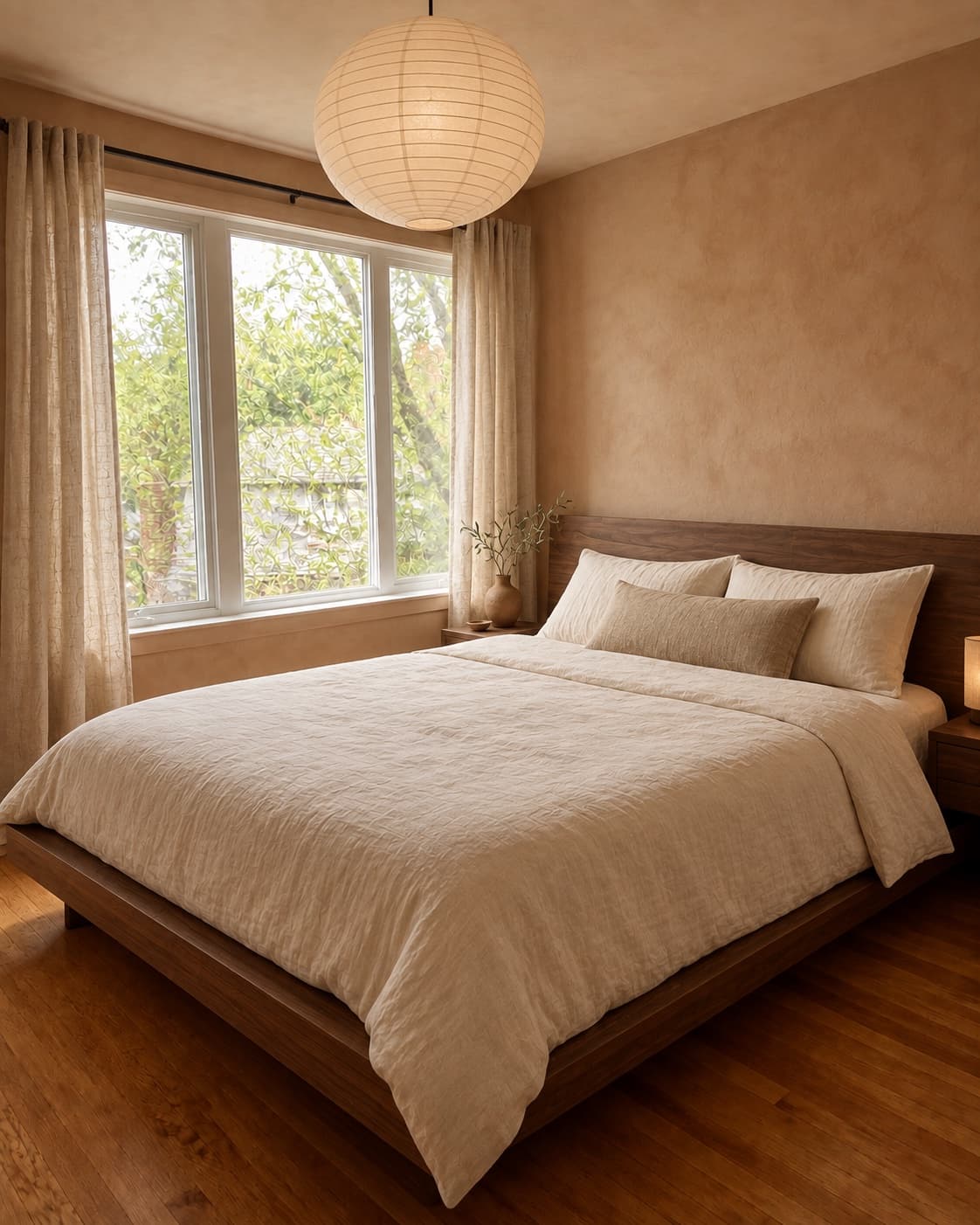
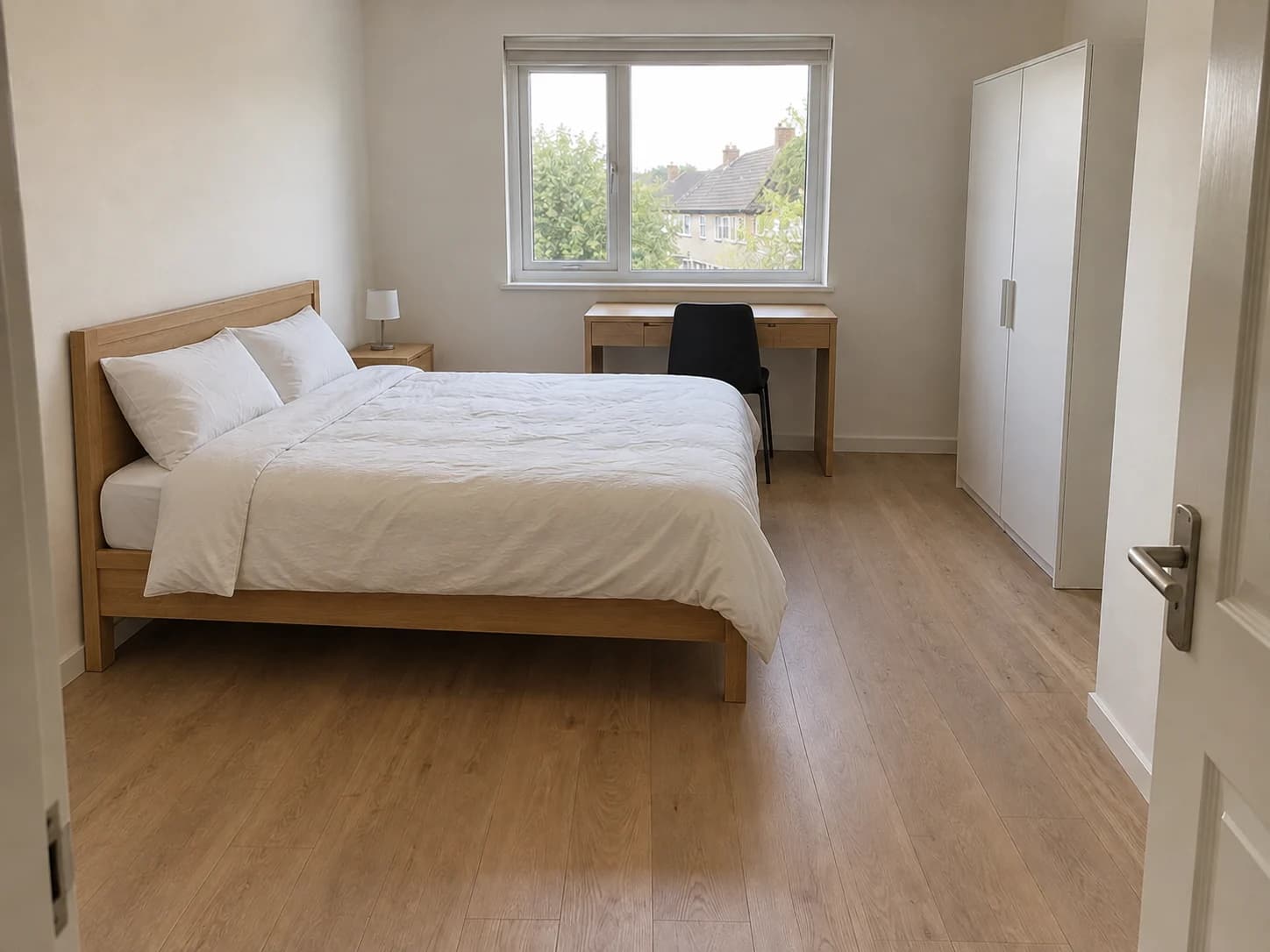
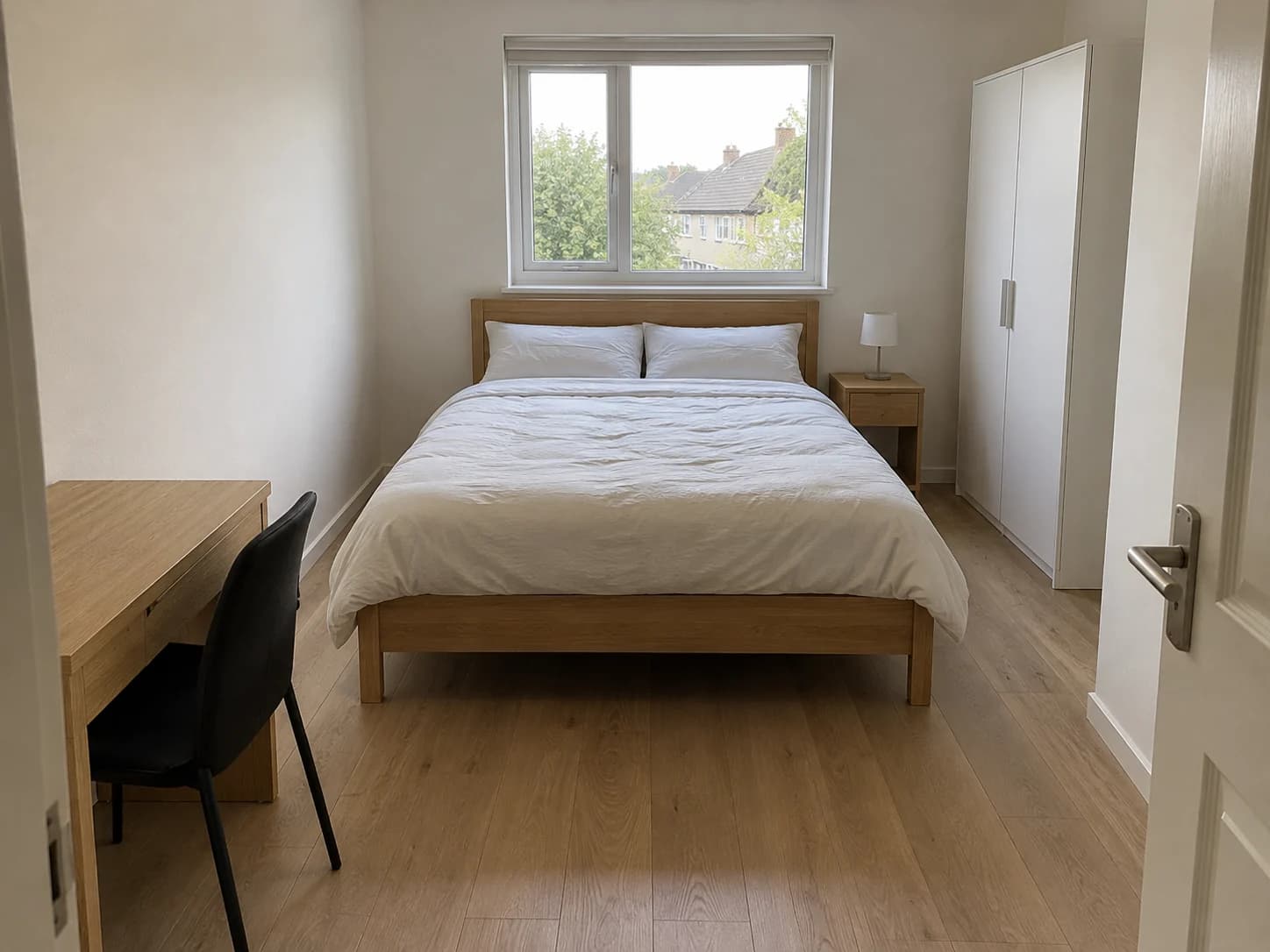
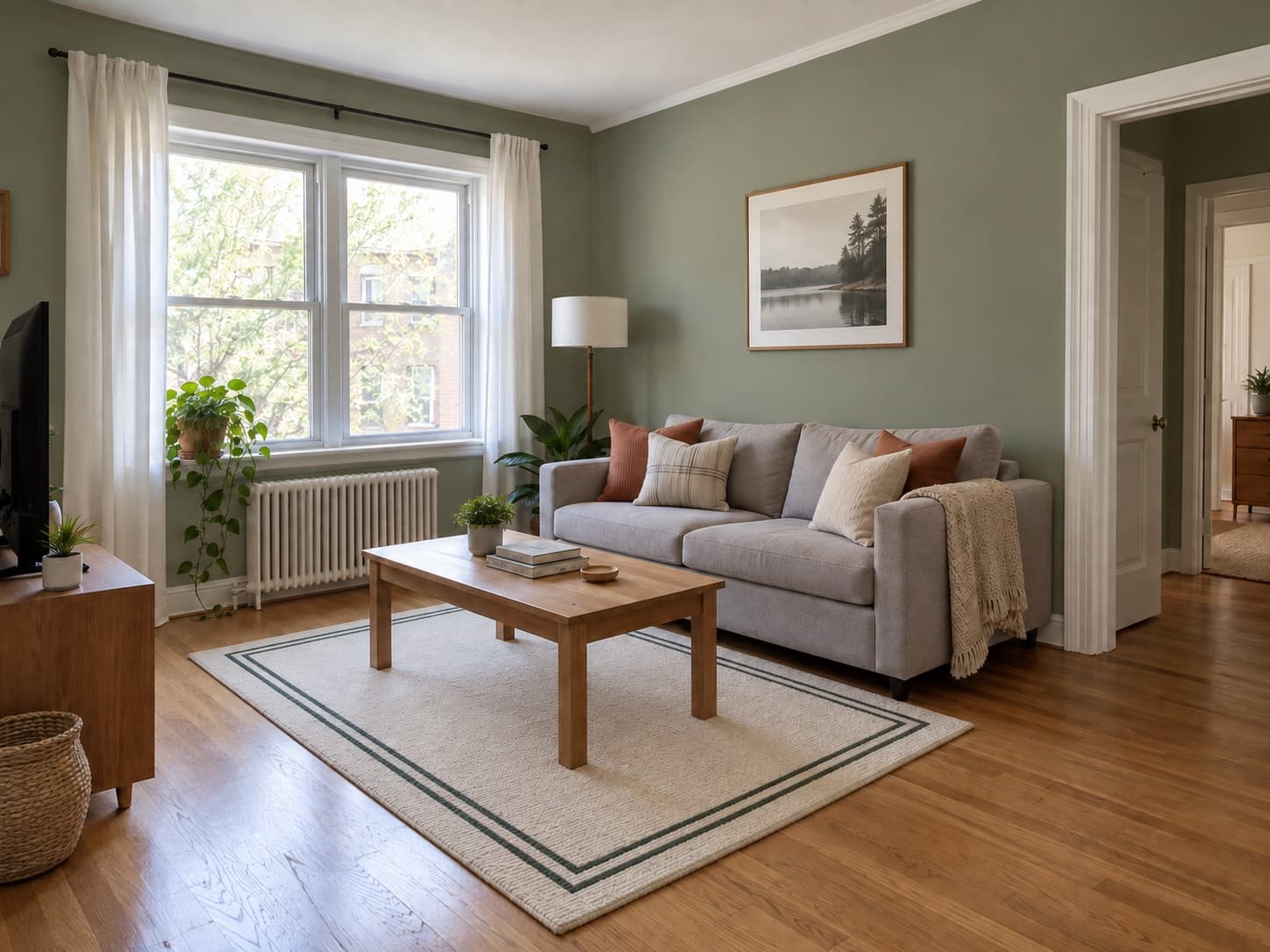
A room can work better with the same furniture in different places. Explore a new arrangement around your doors, windows and the pieces you want to keep before moving anything.
AI room design free without login: upload your room photo, describe a change and see a new look. Check the tool for your allowance; some visitors need to buy credits before generating.
 Before
 After
AfterTry a new furniture arrangement, make space for play or rethink a teen’s study corner. Start with your own room and the pieces you want to keep.
BeforeAfterA room can work better with the same furniture in different places. Explore a new arrangement around your doors, windows and the pieces you want to keep before moving anything.
 BeforeAfter
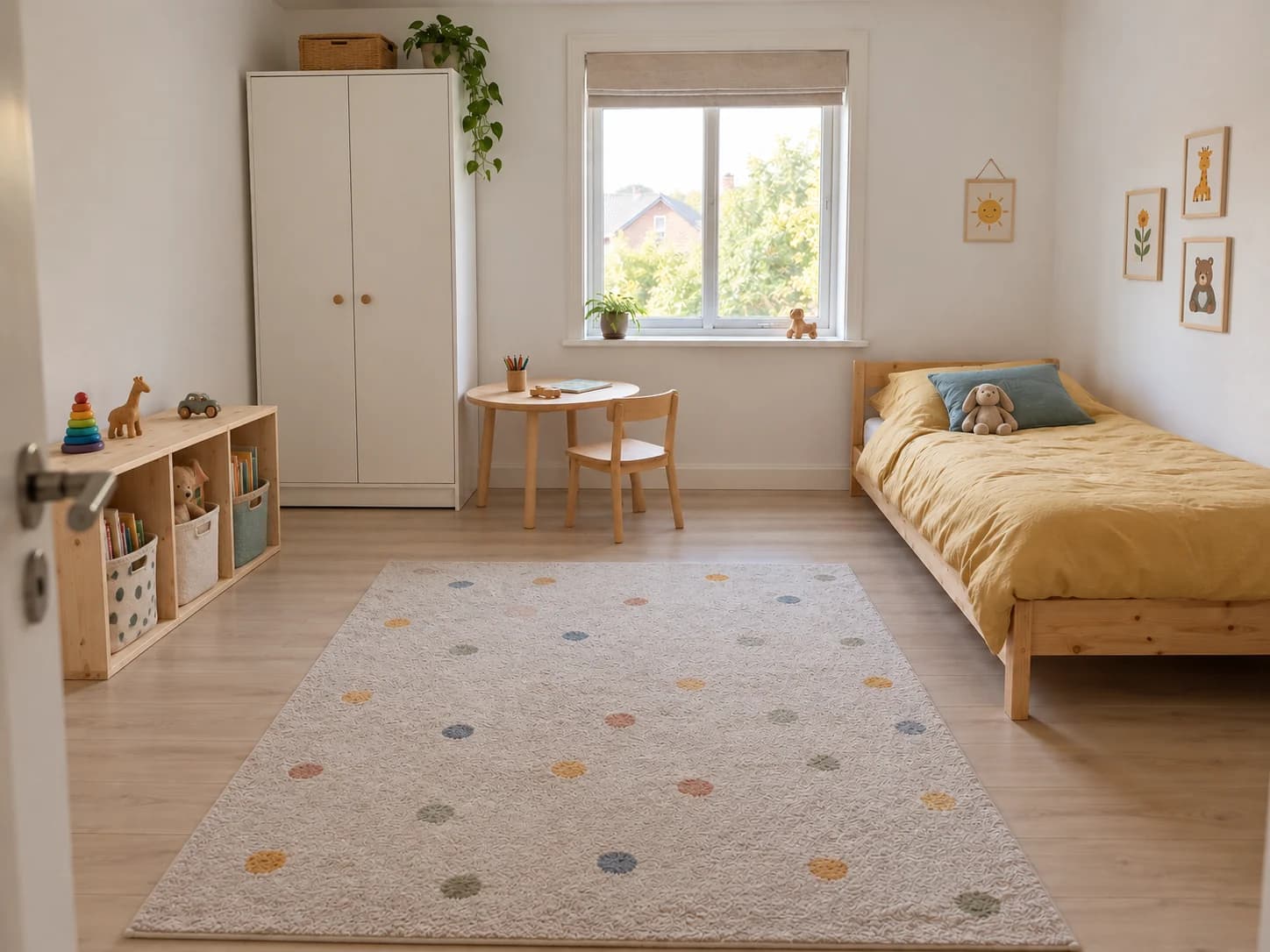
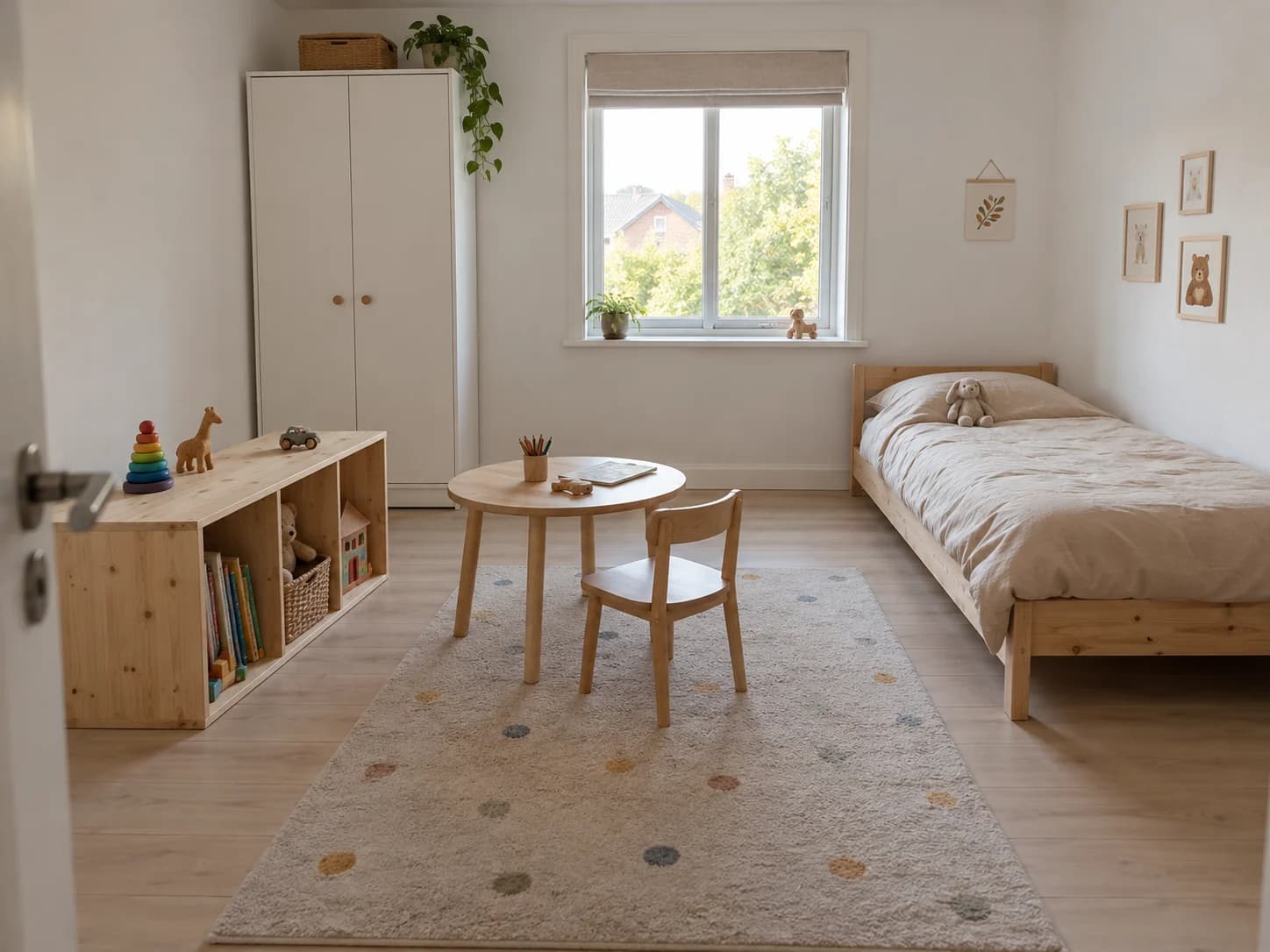
Plan a child’s bedroom around sleep, play and everyday tidying. Try moving smaller pieces and adding toy storage while keeping the bed and wardrobe your child already uses.
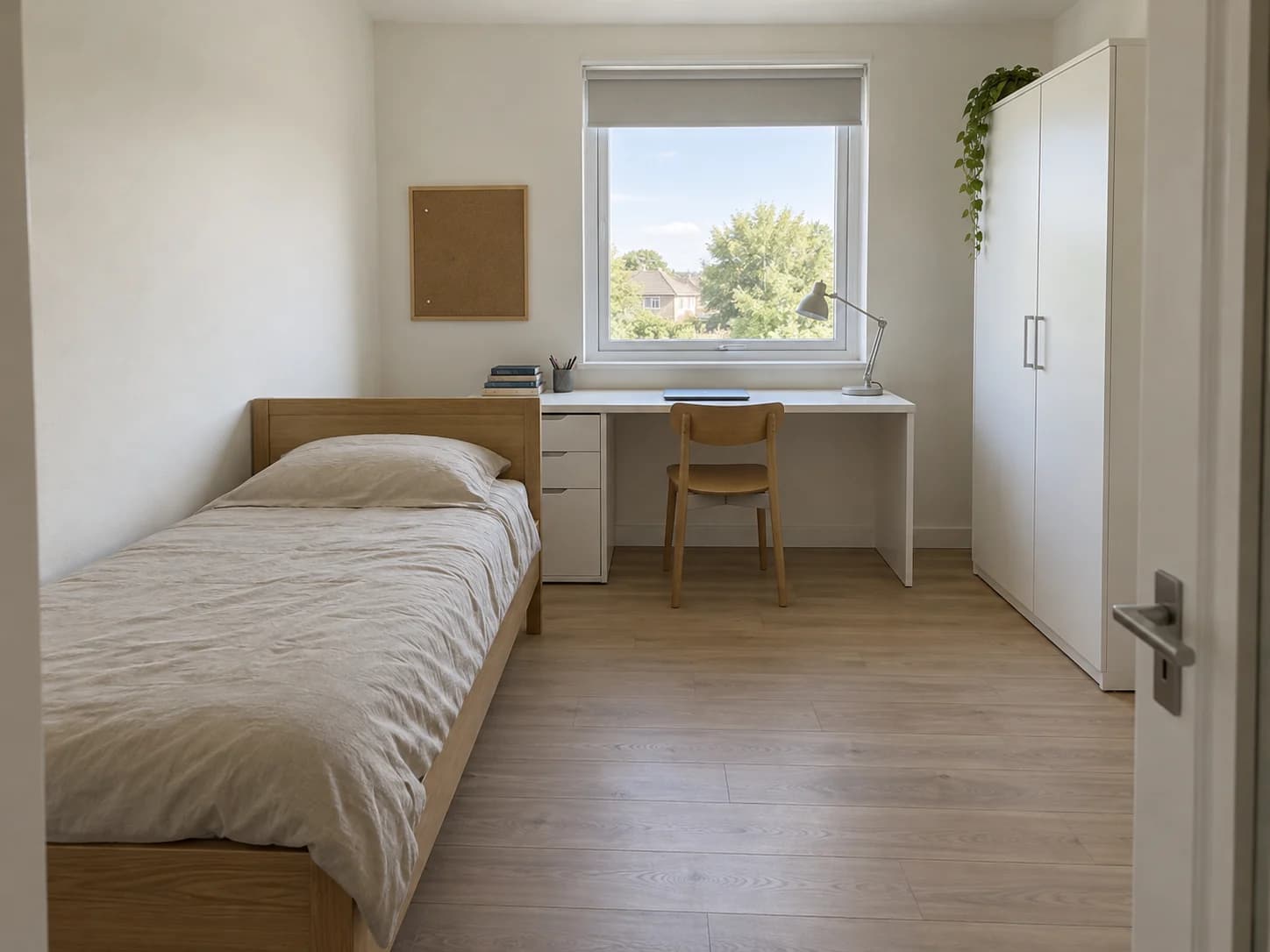 BeforeAfter
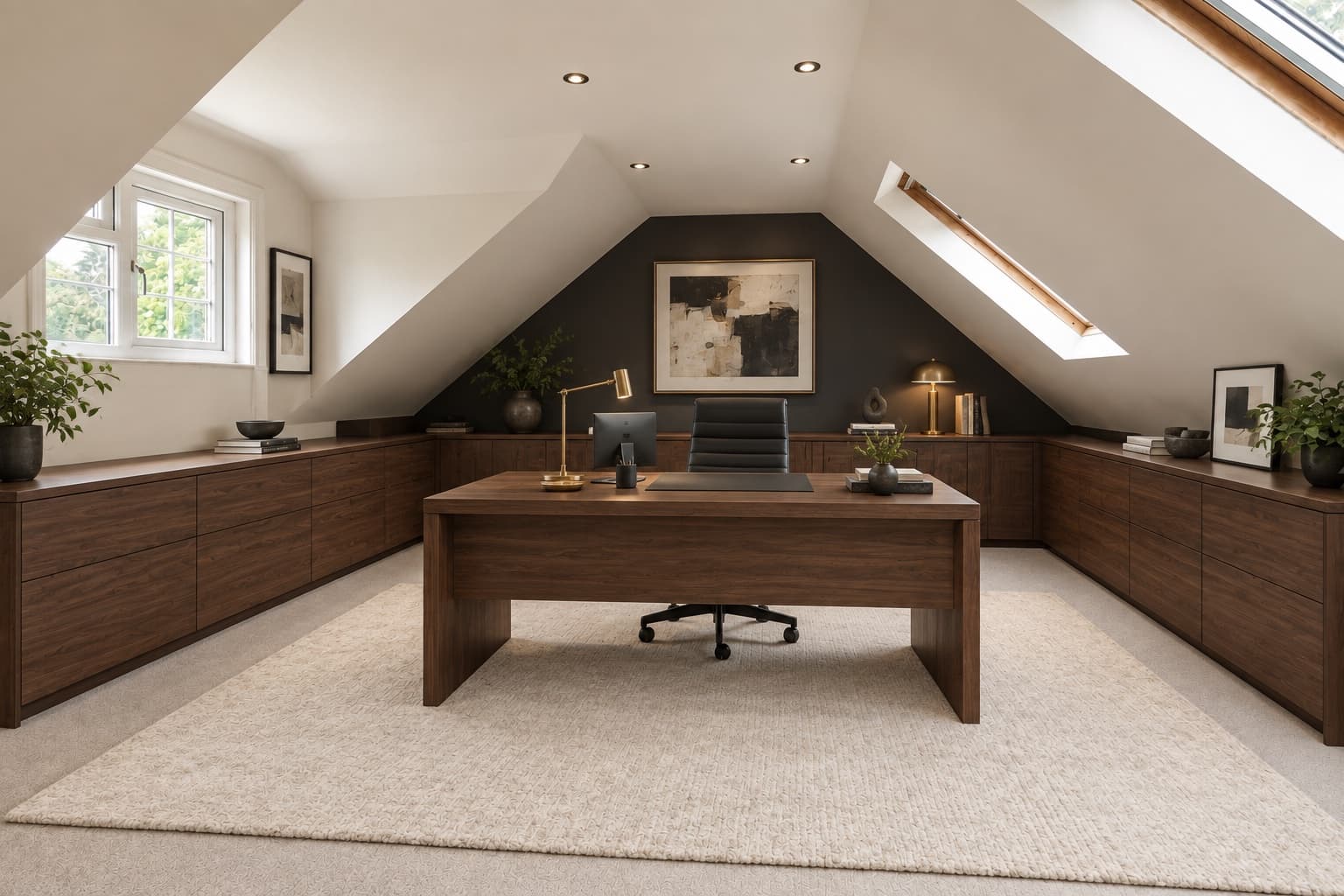
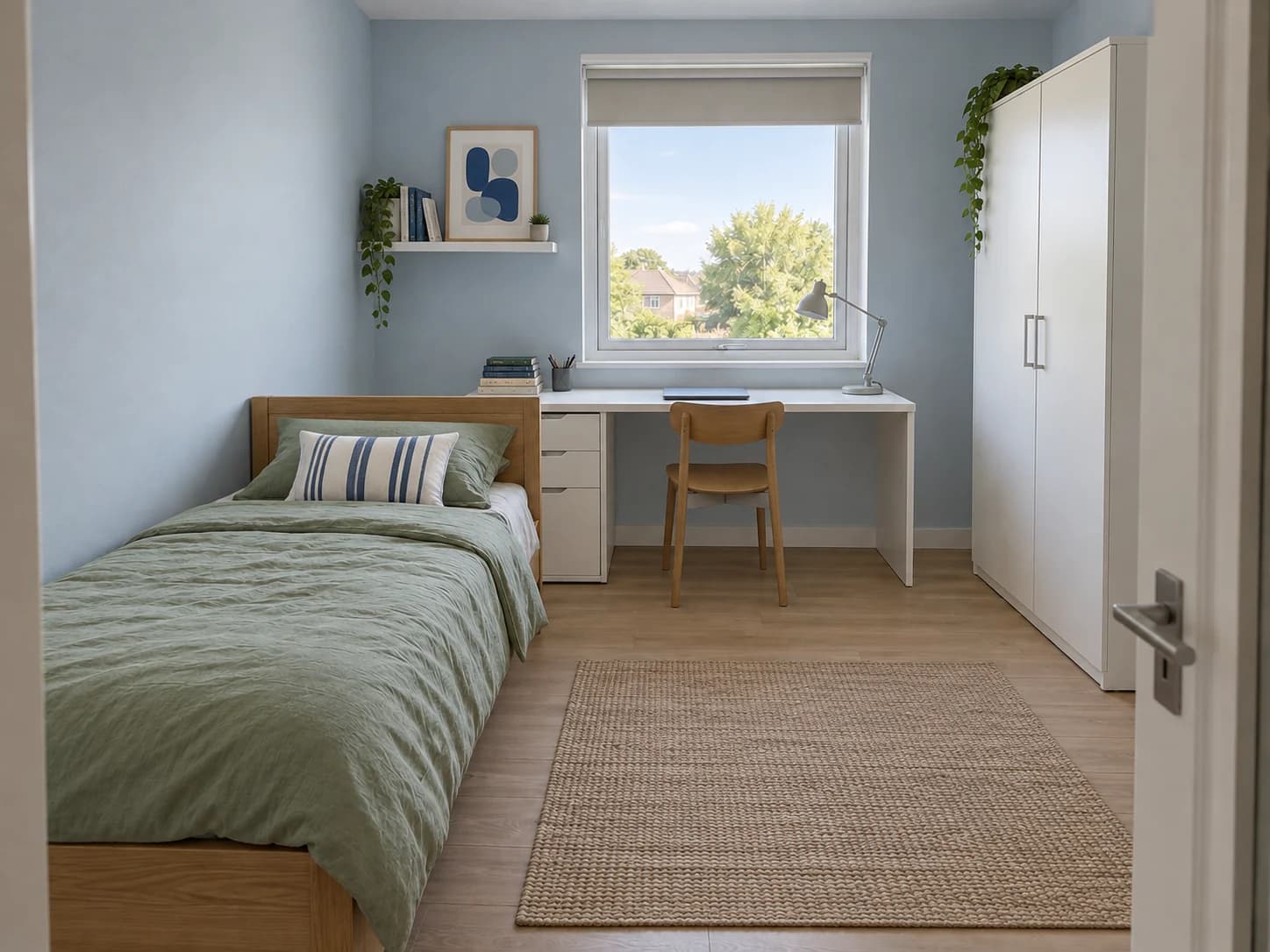
Explore a room that suits changing tastes and school routines. Try a calmer color palette, shelves for books and a study corner around the furniture you want to keep.
Use AI room design free without login, whether you are planning a complete redesign or deciding on a single change. Explore more ideas with our AI room design tool.
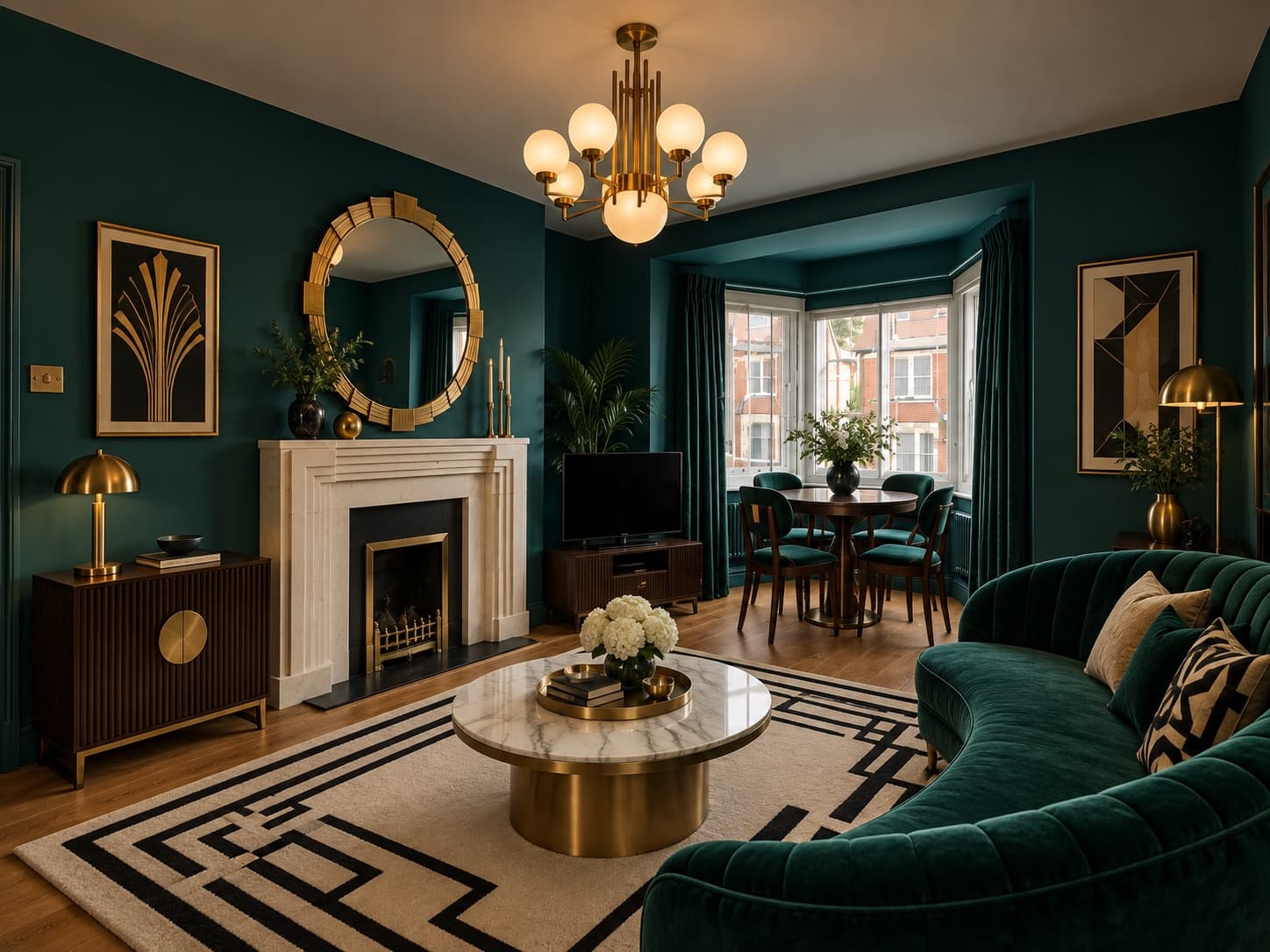
 BeforeAfter
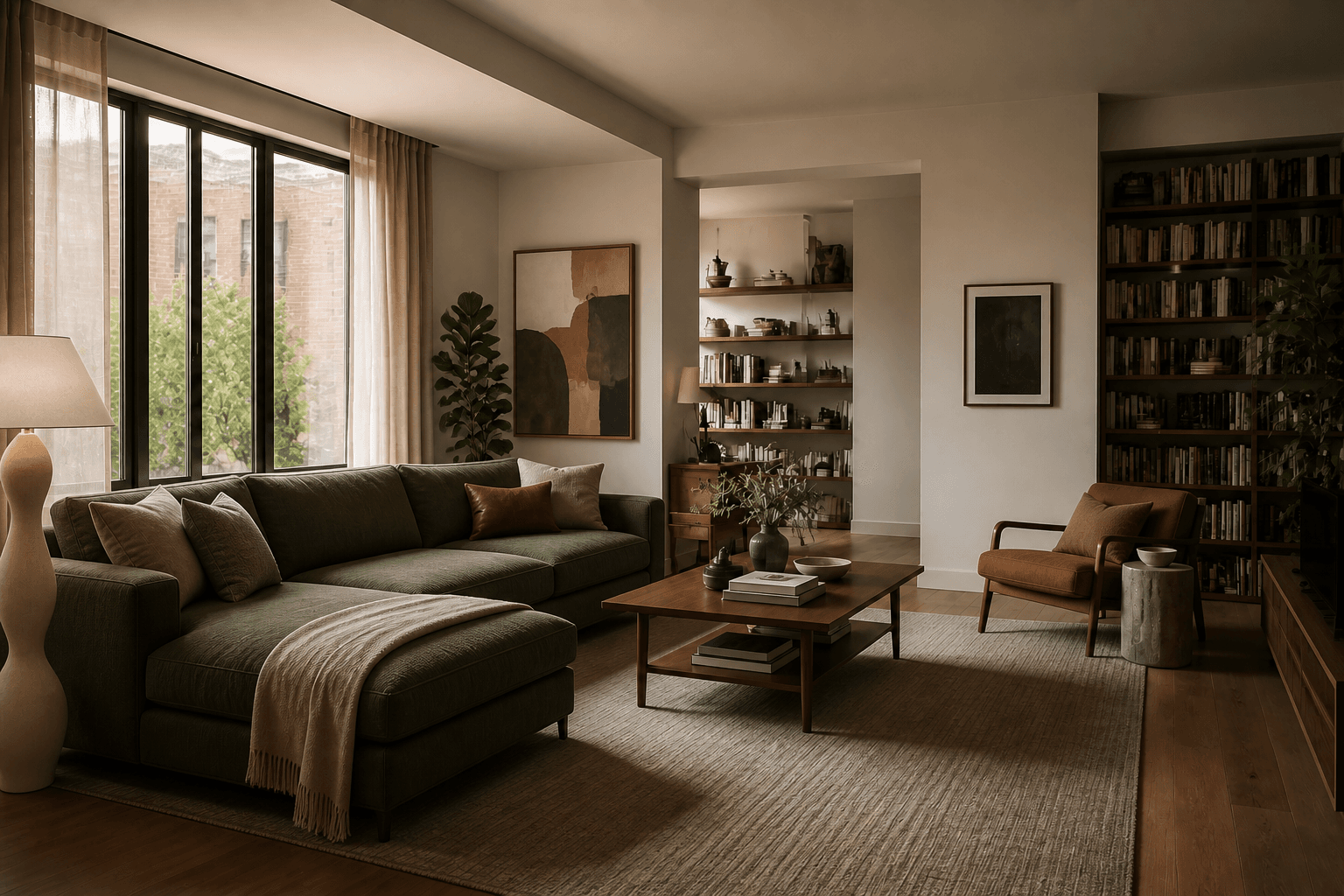
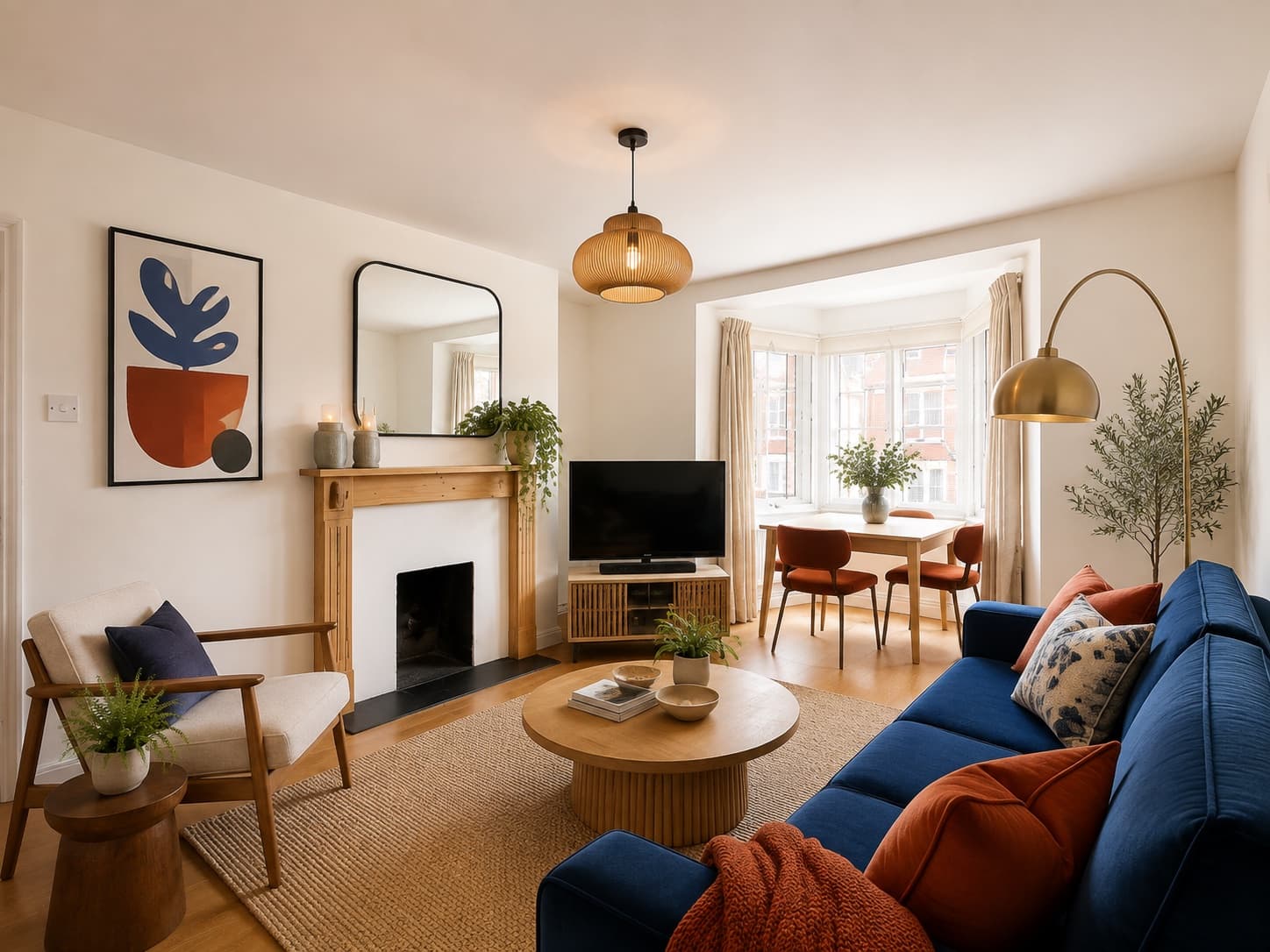
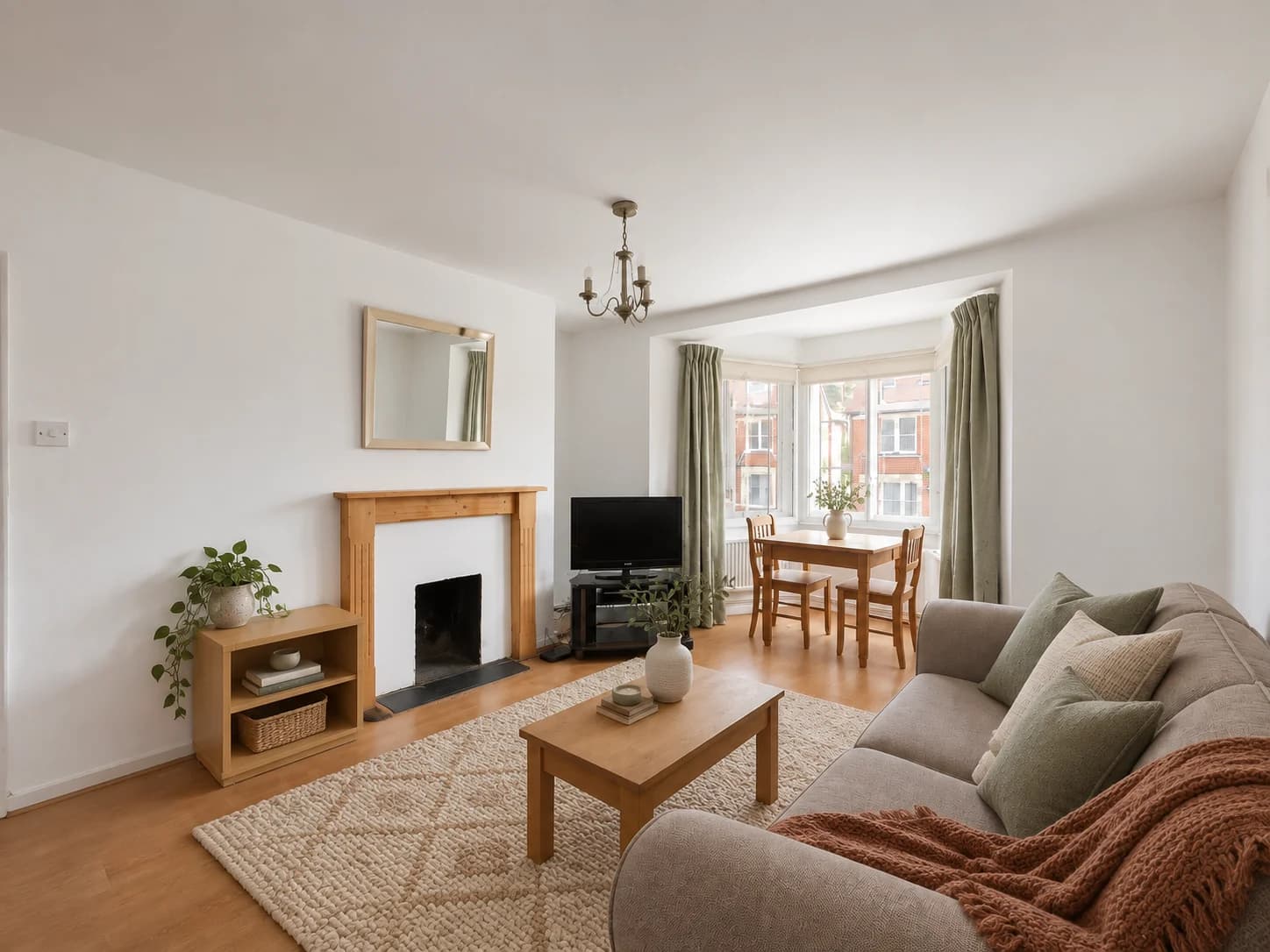
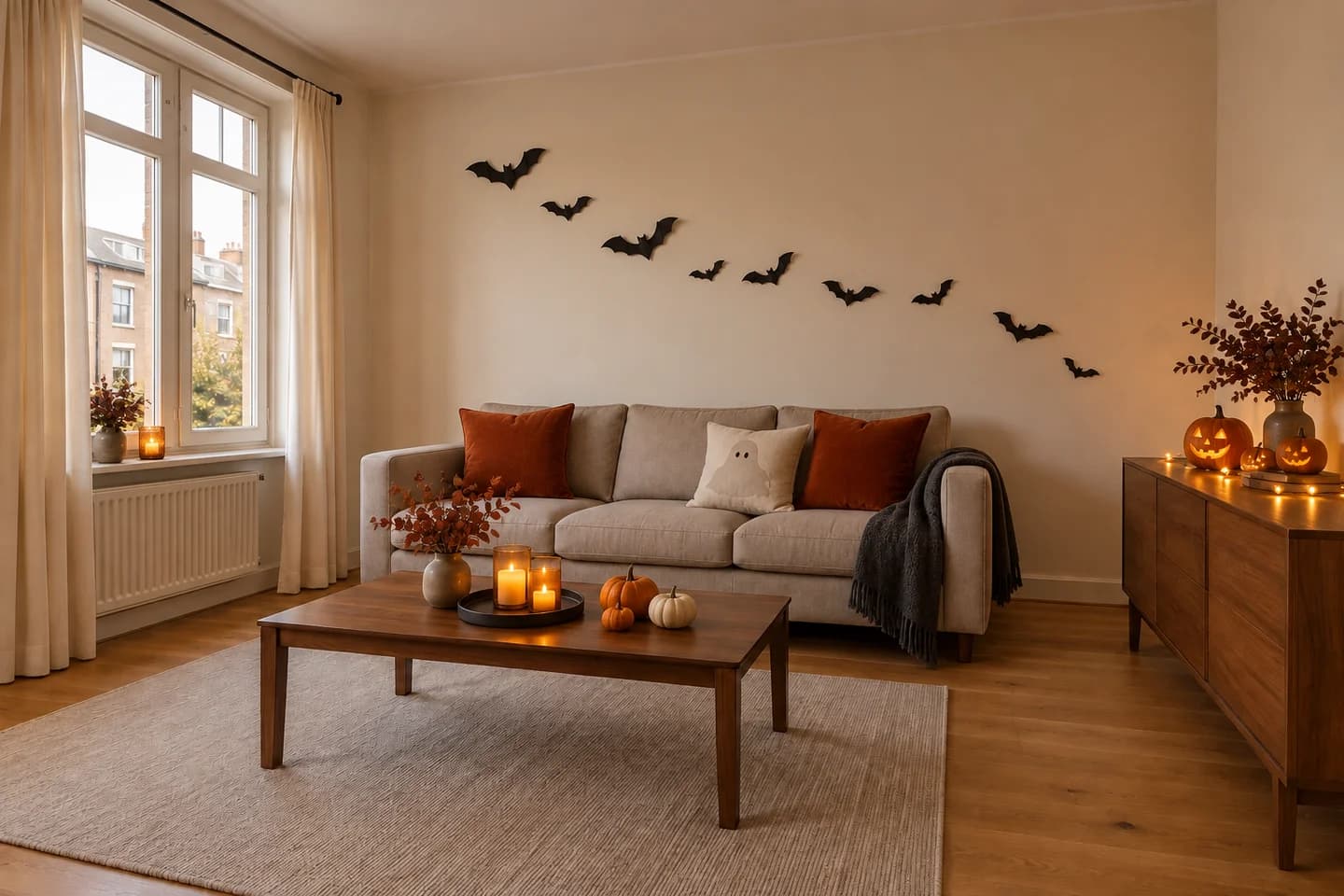
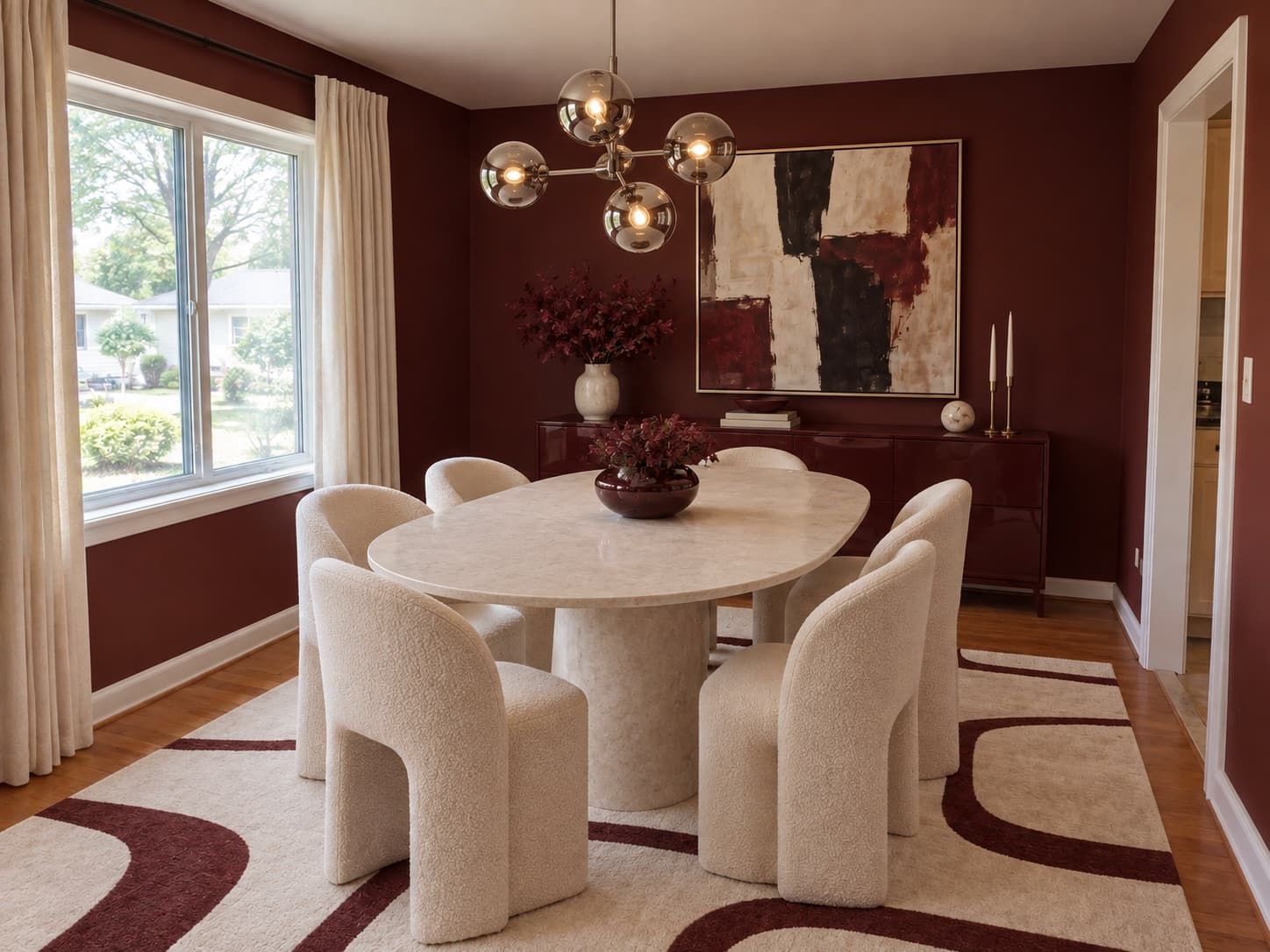
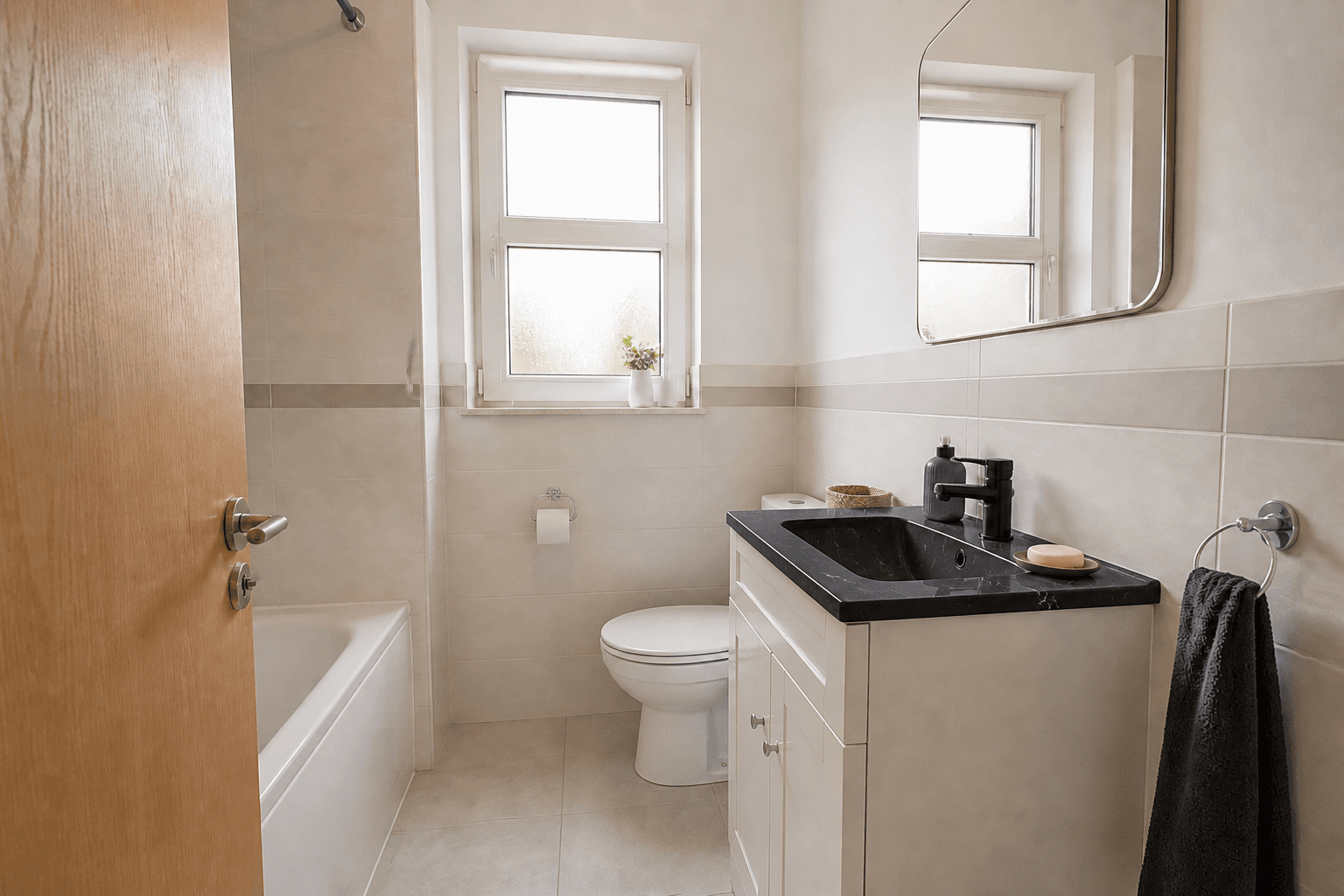
Explore a new style in your own space before buying furniture or redecorating. Start with the atmosphere you want, then try furniture and decoration ideas before deciding what to change. Check the tool for your allowance before generating.
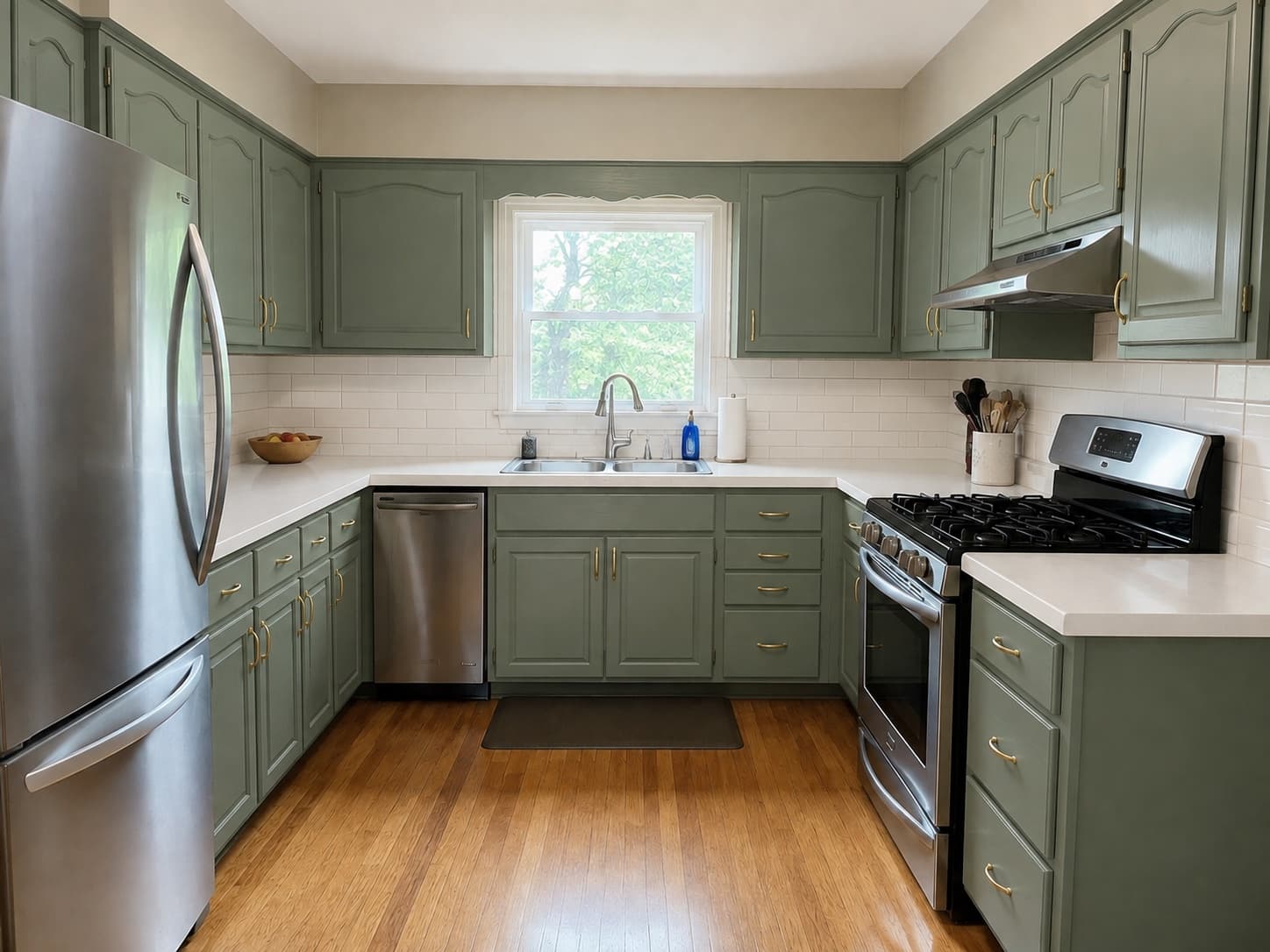
BeforeAfterYou do not need to replace everything to give a room a fresh look. Preview colors, furnishings or a new piece alongside what you already own, and use your free designs to narrow down ideas before shopping — all free, no login needed.
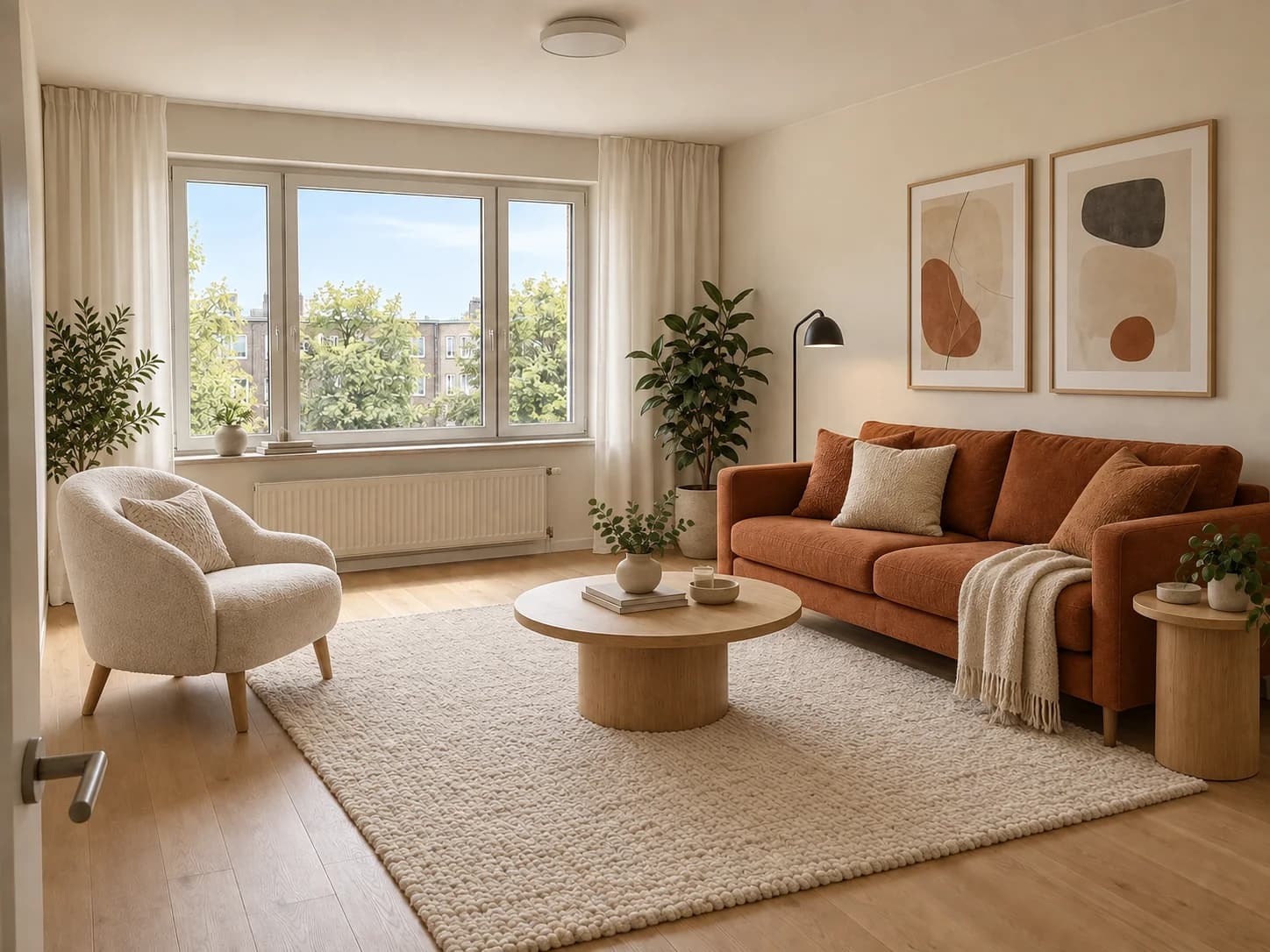
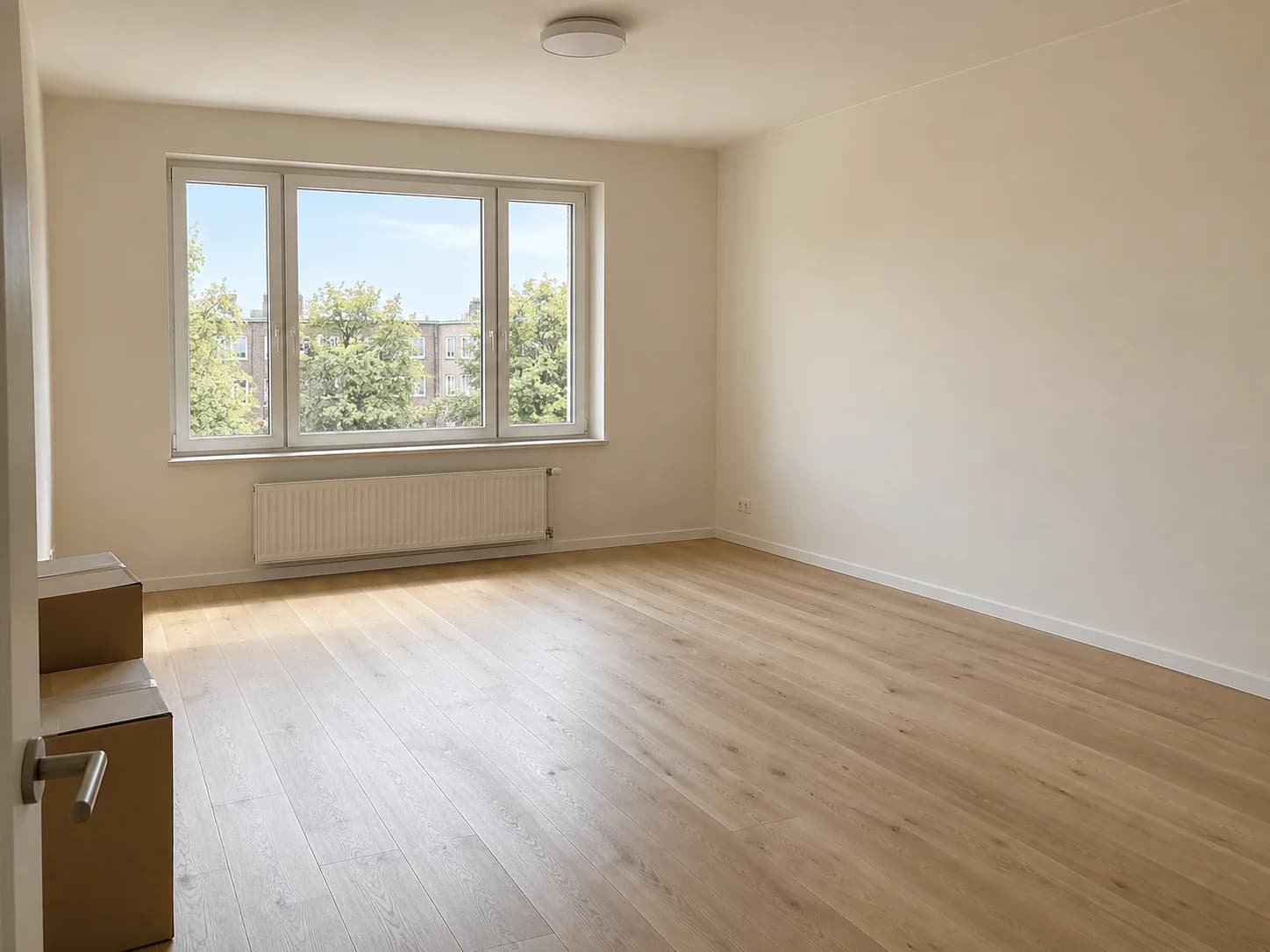 BeforeAfter
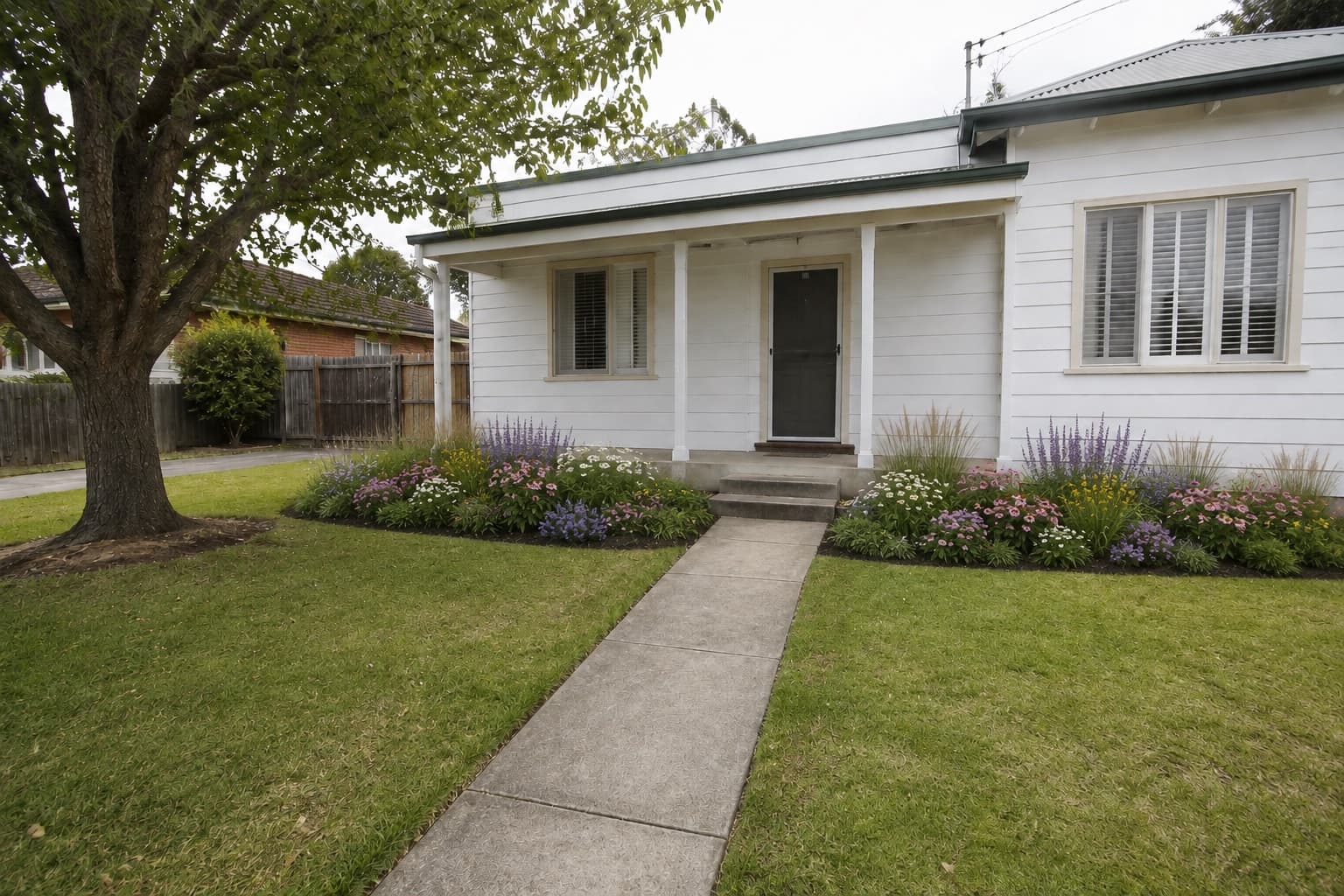
Moving in with an empty room and no clear plan? Use AI room design online to explore a complete look before buying furniture. Start with a photo of any room in your home and try the styles, colors and furnishings you have in mind.
Explore AI Room DesignYou should not have to create an account or reach the final step to find out whether a design tool is useful. Try an idea with your own room photo first, with the free allowance visible before you begin.
“I've come across a lot of AI interior design tools, but almost all of them either put the generated images behind a paywall or require credits after one or two generations.”
“I have nothing against them, but what I hate is that you go to these websites and there is no mention of pricing anywhere.”

Use a clear photo from your phone, or try the free sample room — no login needed. A corner view helps show the space.
Describe a new wall color, furniture or a whole-room style. Add a reference image if you have a look in mind. No login or sign-up step is required.
Give this studio a cozy mid-century look.
Use available credits to generate, save the image, or adjust your request and try again. The tool shows whether you need to purchase credits first.
THE FREE ALLOWANCE
Your balance shows whether weekly free credits are included or a purchase is needed before generating. This is the same AI room design tool, with photo uploads, style references and image downloads.
You can upload a photo and prepare your request without a login. Any included free credits can be used without signing in. If your balance has no free allowance, sign in and buy credits to generate. Downloads have no added watermark.
A login is required to buy a credit pack. If weekly free credits are included, you can wait for their reset after using them. A zero free allowance does not reset into free credits.
A login does not give you a fresh free allowance. Check your balance at the top of the tool for credits and reset details.
You do not need a login to download your current result. Download designs you want to keep before leaving. Purchases require a login; uploading and preparing your request do not.
See credit packsLooking for a starting point? Browse interior design styles or the free home design guide — all of it free, all without a login.
NO LOGIN NEEDED
Start with a photo and one idea. Check your balance before generating.
Design my roomChoose what you want to try next.